Why a video link won't download, and how to tell which problem you have
Short answer
Open the link in a private browser window while logged out. If the video does not play there, it is private, deleted or region-locked, and no downloader can fetch it. If it plays, the message names the problem: a timeout means try again, an unsupported-site message means the wrong source, "no link found" means copy the link again, and only a server error is on our side.
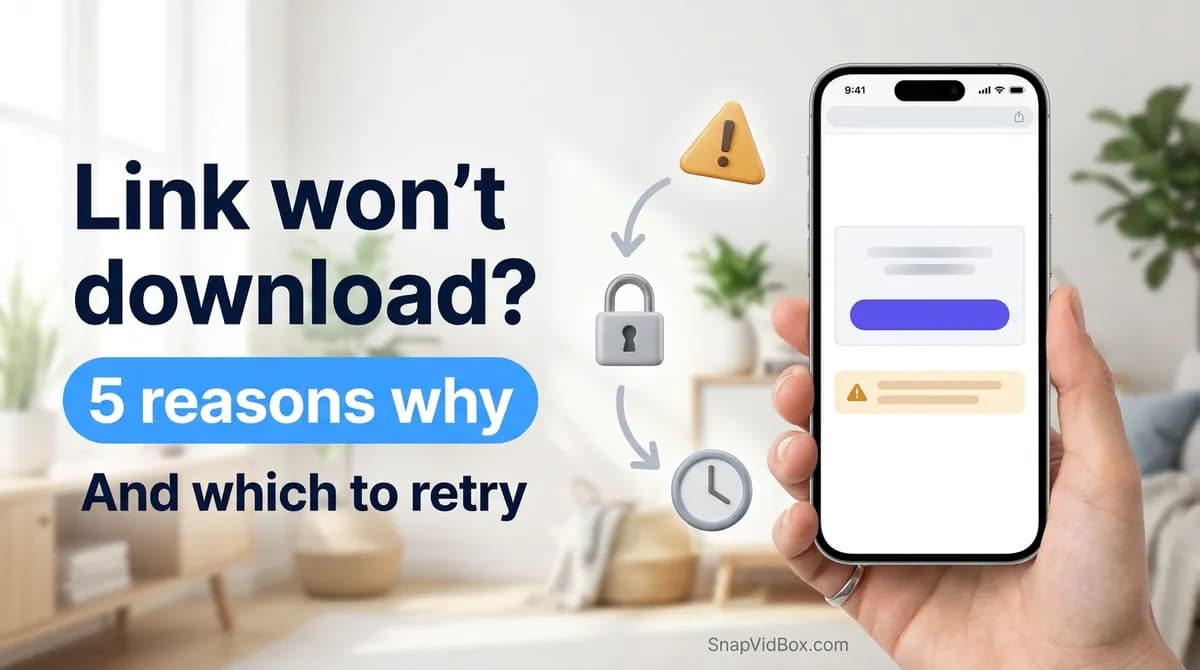
When a video link will not download, the useful question is not "is the site broken" but "which of five things happened". A link can be private, deleted or region-locked; the platform can be slow to answer; the post can be a type the resolver does not handle; the link can be for a site that is not supported; or something can genuinely be wrong on our side. Each has a different fix, and the message you get tells you which one you are looking at.
This guide is written from the inside: these are the five outcomes SnapVidBox actually distinguishes between when it answers a request, not a general list of things that can go wrong with downloaders.
The quickest check before reading further: open the link in a private or incognito browser window, while logged out. If the video does not play there, no outside tool can fetch it, and the problem is the post rather than the downloader.
The five outcomes, and what each one means
Every attempt ends in exactly one of these. The first column is roughly what you will see; the last is who can do something about it.
| What you see | What happened | Who can fix it |
|---|---|---|
| "It may be private, deleted, or a post type the resolver does not handle" | The resolver reached the platform and the platform had nothing to give: the post is not public, it is gone, it is blocked in the server's region, or it is an unusual post type | Usually nobody. It is a fact about the post, not a fault |
| "The source platform took too long to answer" | The platform did not respond inside the time limit. Often temporary, and often regional | You, by retrying in a minute |
| "That host is not supported yet" | The link is not for TikTok, Douyin, Facebook or Instagram | You, by using a supported link |
| "No link found in that text" | What was pasted contained no URL at all, usually share text with the link missing | You, by copying the link again |
| "Something went wrong on our side" | A real fault here: an upstream change we have not caught up with, or a bug | Us. Worth reporting |
Private, deleted and region-locked: the common case
Most failed links are not a downloader problem at all. A tool outside the platform can only ask for what the platform serves to anyone who is not logged in. If the post is restricted, there is nothing to ask for.
The things that fall into this group:
- Private accounts, and posts limited to friends or followers. No tool can reach these, and any tool claiming it can is asking for your password.
- Deleted posts, and posts from suspended or deactivated accounts.
- Age-restricted posts, which require a logged-in account old enough to see them.
- Region-blocked posts. This one is easy to misread: the block that matters is on the server doing the fetching, not on your phone, so a video you can watch may still fail, and one you cannot watch may succeed.
- Stories, which expire. A Facebook story is available for 24 hours and then genuinely no longer exists.
There is one more case worth separating out, because it looks like a bug and is not: a creator can switch downloads off. TikTok lets an account manage whether its posts can be downloaded, and when that is off, the in-app Save video button disappears too. If TikTok itself will not save the video for you, an outside tool is not entitled to it either.
Timeouts: the one worth retrying
A timeout means the platform was asked and did not finish answering. It is the only outcome where doing exactly the same thing again is a sensible plan, because nothing about the link is wrong.
What helps, roughly in order:
- Wait a minute and paste the same link again. Short-form CDN edges are regional and some of them stop answering for minutes at a time.
- Try the long form of the link. Open the video on the website and copy the address bar instead of using the app's short link.
- Try a different link from the same account. If that one works, the first post is the problem, not the platform.
- If everything from one platform times out and everything from another works, the platform is having a bad day and there is nothing to do but wait.
Link problems: short links, share text and the wrong site
Two of the five outcomes are about the text you pasted rather than the video.
"No link found in that text" means there was no URL in what arrived. This happens most with Douyin, whose app copies the link wrapped in a sentence of Chinese promotional text — pasting the whole thing is fine, because the link is lifted out of it, but if the copy only grabbed the sentence and not the URL, there is nothing to work with. Copy it again.
"That host is not supported yet" means the link is for a site other than TikTok, Douyin, Facebook or Instagram. YouTube, X and Reddit links will say this, because they are not supported rather than broken. Worth checking the link really is what you think it is: a link shared through a messaging app has sometimes been through a redirector and no longer points where it looks like it points.
Picking the right file when the download does start
A different complaint that reads like a failure: the download works but the file is wrong. Usually that is a choice in the list rather than a fault.
- A file much smaller than expected is usually the standard rendition rather than the HD one. The list shows sizes next to each option for exactly this reason.
- A video with a logo burned in means the platform served no clean copy for that post. Where an unbranded rendition exists it is the one offered first; where it does not, nothing can remove a watermark that is part of the picture.
- An audio file that will not play in a music app is usually the platform's own M4A rather than an MP3. Pick the MP3 option, which is converted here.
- A file that saved but cannot be found on an iPhone is normally in Downloads in the Files app rather than in Photos. Apple documents where downloads land.
When it really is us
"Something went wrong on our side" is the one message that means what it says. It is not thrown for a private post or a slow platform; those have their own outcomes. It means the attempt hit something unexpected, which in practice almost always means a platform changed its response format and we have not caught up.
That one is worth reporting, and a report is far more useful with the link in it. Send it through the contact page. If a whole platform has stopped working rather than one post, saying so is the most useful detail you can include.
What this means in short
Open the link logged out first. If it does not play, stop — the post is restricted and no tool will change that. If it plays but will not resolve, read the message: a timeout is worth retrying, a host message means the wrong site, a "no link found" means copying again, and only "something went wrong on our side" is ours to fix.
Frequently asked questions
Why does a video I can watch fail to download?
Most often because the fetch happens from our server, not from your device. A post that is region-blocked where the server is will fail even though it plays for you. Private, friends-only and age-restricted posts behave the same way: you can see them because you are logged in, and the server is not.
Is a failed download ever caused by my phone or browser?
Rarely for the resolve step, which happens on the server. It can affect the save step: a browser blocking a download, or a device with no free storage. If the file list appears and the download itself fails, that is the part to check.
Should I retry a link that failed?
Only if the message mentioned the platform taking too long. That one is usually temporary. Retrying a private, deleted or unsupported link will give the same answer every time, because nothing about it changes between attempts.
Can any tool download a private or friends-only video?
No. A tool outside the platform can only request what the platform serves without a login. Any service claiming otherwise needs your account credentials to do it, which hands over your account and still breaks the platform's terms.
Why do some TikTok videos have no watermark-free version?
Because TikTok does not always keep one. Where an unbranded master exists it is fetched directly and offered first. Where it does not, the only copy available has the logo drawn into the picture, and removing it would mean blurring or cropping the video rather than downloading a clean file.
Related guides
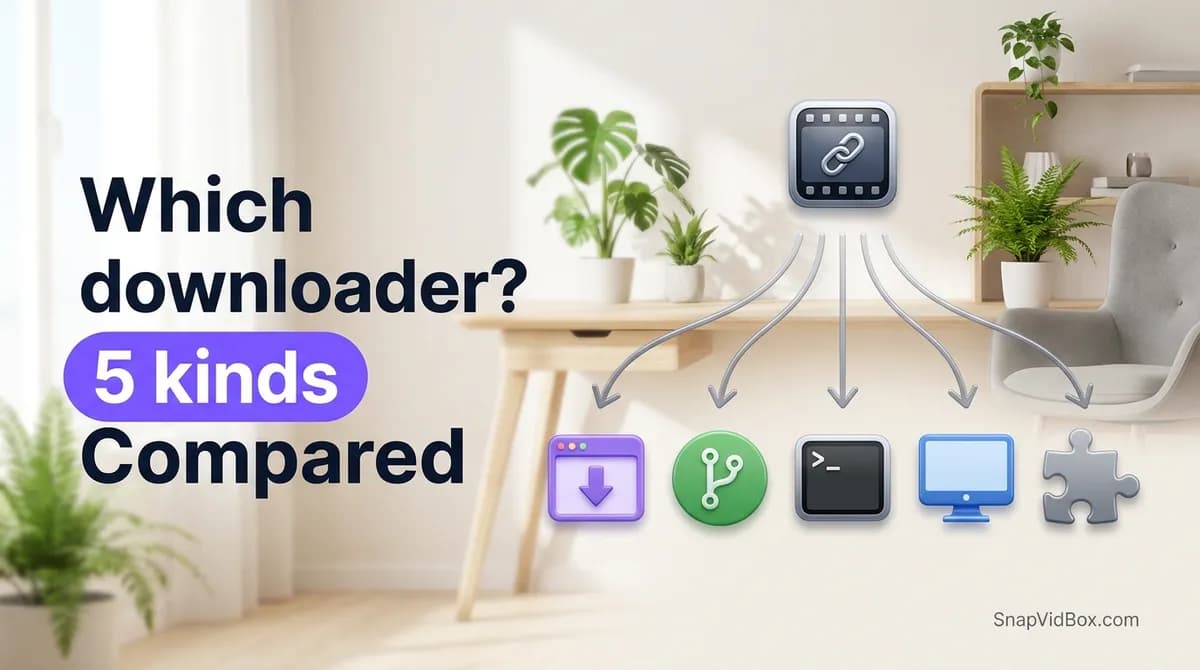
Which video downloader should you use? The five kinds, compared
Link tools, open-source web apps, the command line, desktop software and extensions solve the same problem differently. What each kind is good at, what it costs you, and which one fits your case.
9 min read
How to choose a safe video downloader, and what to check before pasting a link
Seven things worth checking before you trust a downloader with a link, the three warning signs that should end the visit, and an honest account of where this one does not win.
8 min read
Downloading videos and copyright: what you can and cannot do
What personal offline viewing covers, where reposting crosses the line, how music rights work, and how to ask a creator for permission.
8 min read
How to download a Douyin video on Android without the watermark
Four steps from a v.douyin.com link to a clean MP4 in your Android phone's gallery, in Chrome, with no app to install, no Douyin account and no Chinese phone number.
8 min read
Sources
Ready to try it?
Paste any supported link and the platform is detected automatically.
Open the downloader