Downloading videos and copyright: what you can and cannot do
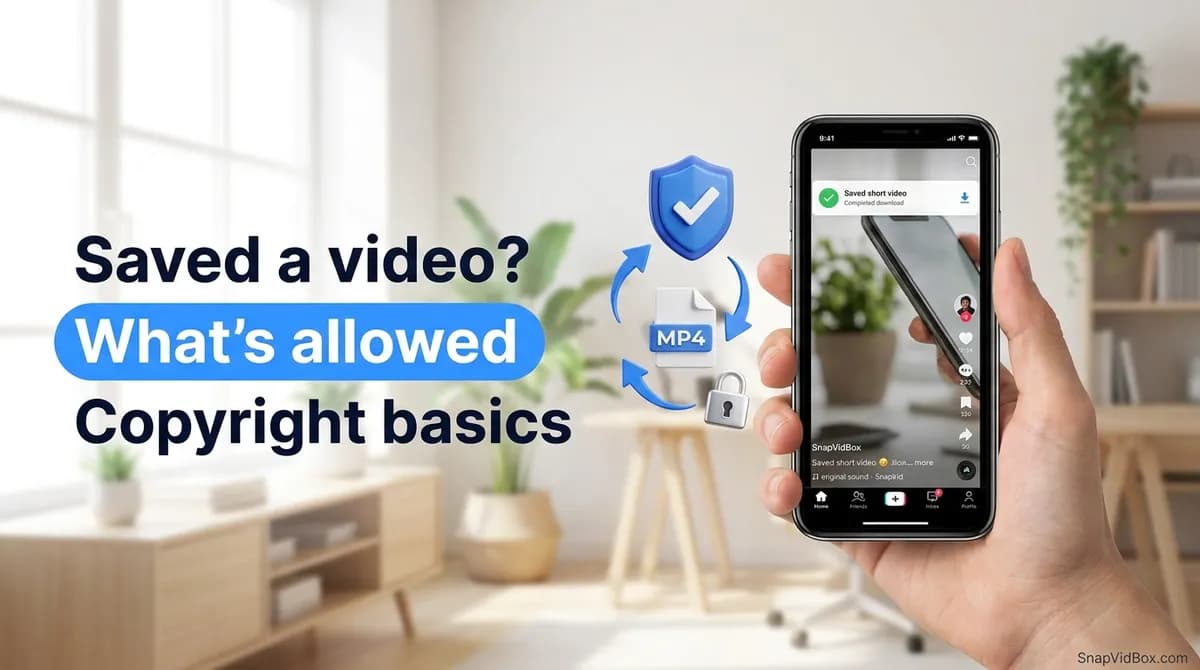
Saving a video takes a few seconds. What you are allowed to do with it afterwards is a separate question, and the answer depends less on how you got the file than on what you do with it next. Watching it later on a train is one thing. Posting it on your own account is another.
Below are the ordinary cases, from who owns a short video to how to ask a creator for permission and what to do if a post of yours is taken down.
It is not legal advice. Copyright rules differ by country, and the details of a specific case can change the answer. If money, a business or a dispute is involved, talk to a lawyer where you live.
Who owns the video you downloaded
The person who made it. Whoever filmed, edited and published a clip owns the copyright in it, in most countries automatically and without registering anything. That holds for a polished short film and for a ten-second clip shot in a kitchen.
Downloading a copy does not change that. The file on your phone is a copy of someone else's work, in the same way that a photo saved from a website still belongs to the photographer. Having the file and having permission to use it are two different things.
What uploading to a platform actually licenses
When a creator posts to TikTok, Instagram, YouTube or Facebook, they accept the platform's terms, which give the platform a licence to host, show and distribute the video inside its service. That licence is between the creator and the platform. It does not pass on to viewers.
As a viewer you get what the app offers: watching, liking, sharing the link, and using the platform's own features, such as duets or stitches, where the creator allows them. A save button inside an app is the platform offering a copy for personal use under its own terms, not a transfer of rights to you.
The practical consequence: a public video is public to watch, not public to reuse. Being visible to everyone does not make it free to repost.
The music is licensed separately
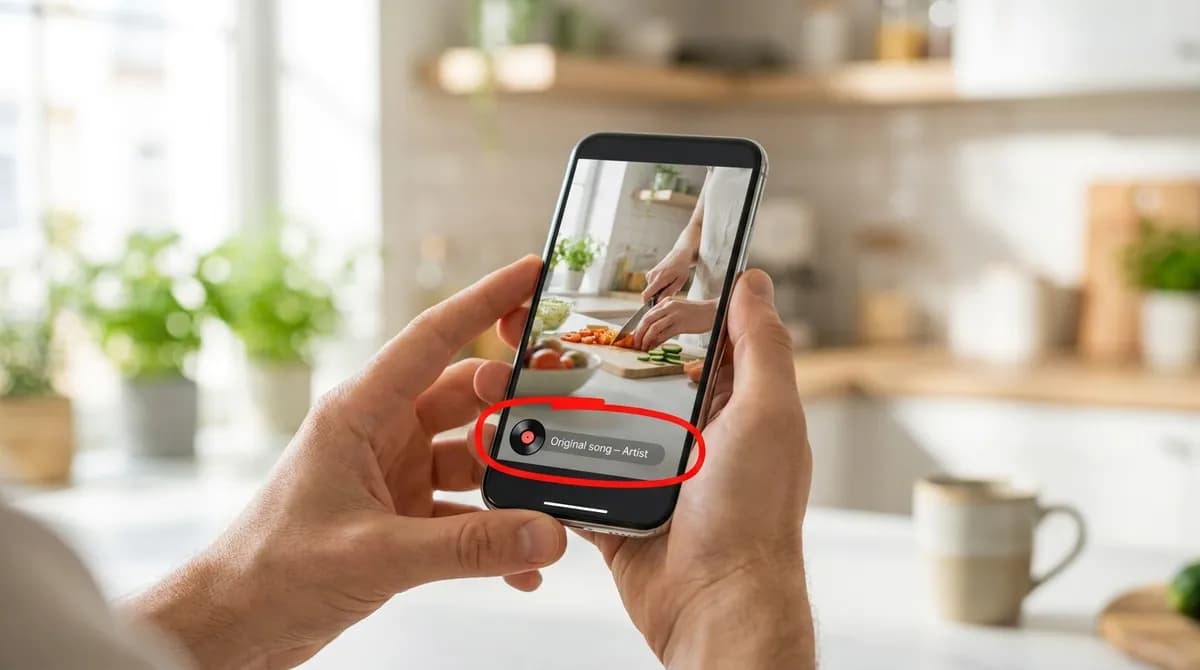
Most short videos carry two layers of rights. The footage belongs to the creator. The soundtrack usually belongs to a record label, a music publisher or an artist. Platforms sign agreements with those rights holders so that songs can be used in videos, and those agreements generally cover use inside the app, not copies carried elsewhere.
So a clip can be fine to keep for yourself while its song cannot go into your own YouTube upload or an advert. Saving a sound with TikTok to MP3 to listen to, or to use as a ringtone on your own phone, is personal use. Putting that MP3 into a video you publish brings the music rights back into play.
What personal use generally covers
Keeping a copy for yourself is ordinary personal use in most places. That usually includes:
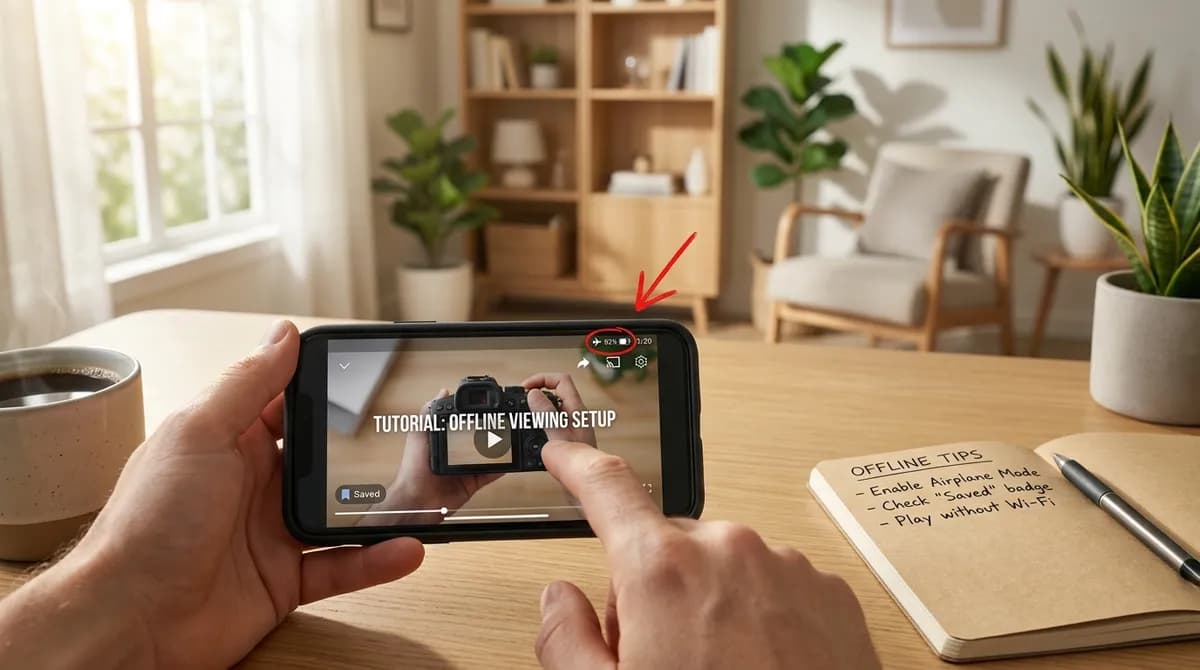
- Watching a saved video later without a connection, on a flight, a commute or somewhere with poor signal.
- Keeping a recipe, workout or tutorial so it is still there if the original is deleted.
- Holding a reference clip while you study an editing technique, a transition or a dance.
- Saving a clean copy without the logo, as described in saving a TikTok without the watermark, to watch on a bigger screen at home.
Where personal use stops
The common thread above is that the file stays with you. The line is crossed when the copy goes back out to other people, or when getting it meant breaking through a restriction. These are generally not personal use:
- Re-uploading someone else's video to your own account, with or without credit.
- Using a clip in an advert, a sponsored post or a product page.
- Putting it into paid material: a course, a paid newsletter or a members-only group.
- Cropping out or blurring the creator's name, then sharing it on.
- Building a compilation channel out of other people's clips.
- Getting around a paywall, a login, a private account or an age gate to reach the file.
A credit line does not fix any of these on its own. Credit is a courtesy, not permission.
Duets, stitches and credit
Duets, stitches, remixes and reaction features exist so that people can build on each other's videos inside the app, with the original creator linked automatically. Using them keeps you within the platform's licence and the creator's own settings.
Downloading a clip and editing it into your own video outside the app is different. The automatic link back to the creator is gone, and the licence for in-app features no longer covers what you made. To react to someone's video, use the in-app tools, which keep the credit attached.
Creative Commons and public domain
Some creators choose to let others reuse their work. Creative Commons licences are the most common way to do that: the creator keeps the copyright but grants certain permissions in advance, on conditions written into the licence. The parts of a licence name tell you the conditions:
- BY: you may reuse the work as long as you credit the creator.
- NC (NonCommercial): no commercial use.
- ND (NoDerivatives): you may share it, but only unchanged.
- SA (ShareAlike): anything you make from it must carry the same licence.
Public-domain works are not owned by anyone, either because the copyright term has run out or because the creator gave up their rights. Terms differ by country, and an old public-domain film can still come with newer music or a restored version that has its own rights. Read the licence on the specific video rather than assuming from the account.
Backing up your own uploads
Your own videos are the clearest case. Downloading what you posted is a sensible backup in case an account is lost, hacked or suspended, or if you want to post the same video on another platform.
Two things to watch. If your video uses a licensed song from the app's sound library, that song's licence may not follow it to another platform, so you may need to change the audio before posting it elsewhere. And if your video includes part of someone else's clip, for example through a stitch, that part is still theirs.
How to ask a creator for permission
When you want to share someone's video beyond personal use, asking is usually quick, and many creators are happy to agree in exchange for a credit. Some will say no, or ask for a fee for commercial use.
Step 1: Find the creator
Start with the account that posted the video, and make sure it is the original. Reposted clips travel widely, so look for the earliest upload or the handle in the watermark. Asking someone who reposted it gets you nothing; it was never theirs to give.
Check the profile for contact details. Many creators list a business email for requests, which is a better place than direct messages for anything commercial.
Step 2: Send a short message
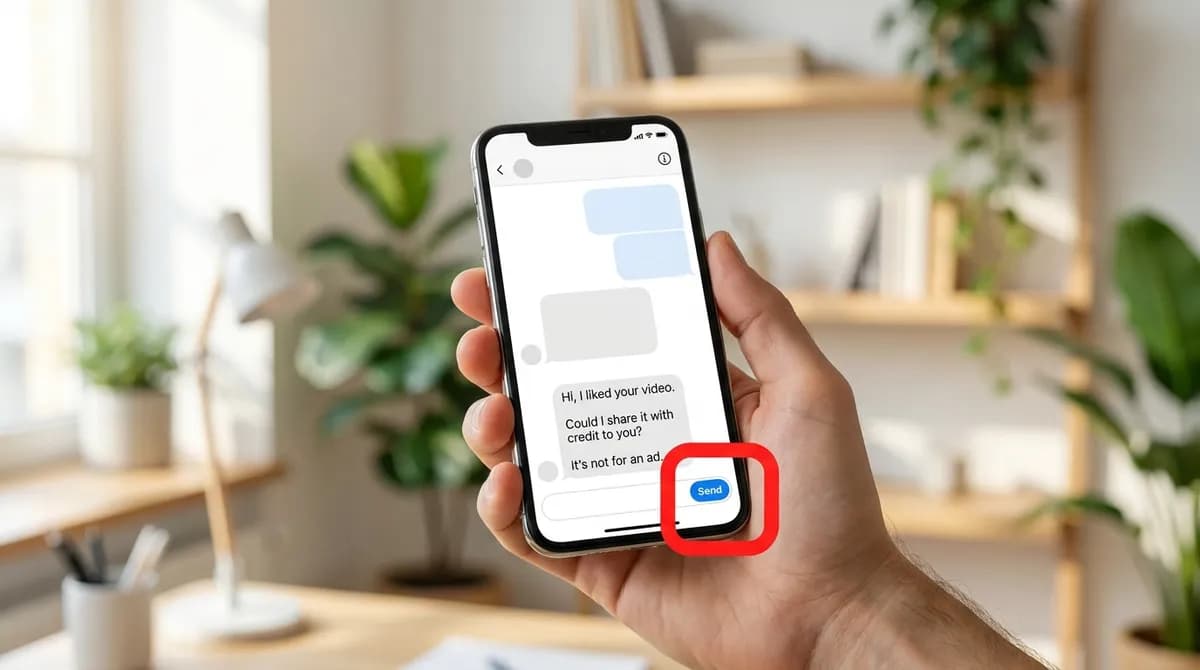
Keep it short and specific: which video, where you want to use it, how, and how you will credit them. If it is for an advert, a paid course or a client, say so plainly. Commercial use is where creators are most likely to want terms or a fee, and it is better to settle that before anything goes live.
A message they can answer with yes or no gets a faster reply than a vague one. Something like this works:
- Hi [name], I liked your video about [topic]: [link].
- Could I share it on my [account or site] for [purpose]? I would not edit it.
- I will credit you as @[handle] with a link to your profile.
- It is not for an advert or a paid product.
- Thanks either way.
Step 3: Keep the reply
Save the answer: a screenshot of the message thread, or the email itself. If someone later files a complaint about your post, that record shows you had permission and what it covered.
Stick to what was agreed. Permission for one post is not permission for every platform, an edited version or an advert. If you want to do more, ask again.
Step 4: Credit them
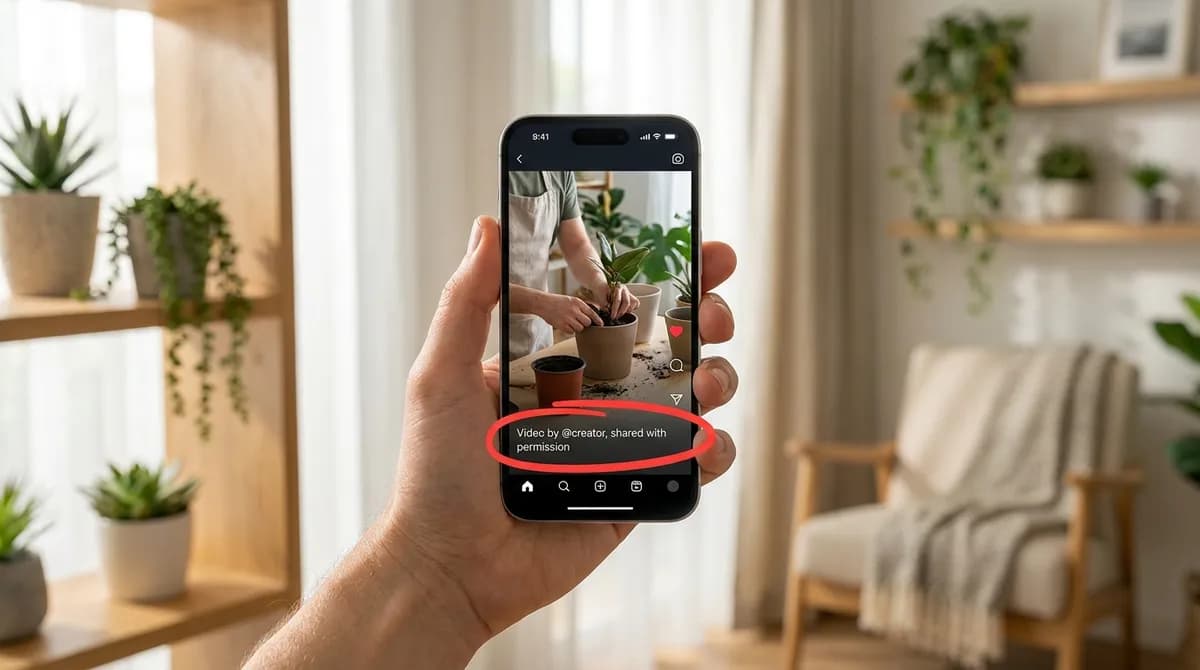
Credit the creator where people will see it, in the caption, on screen or both, with their handle and a link if the platform allows it. Use the form they asked for; if they did not say, a line such as Video by @handle, shared with permission is clear.
Do not remove their name or watermark unless they agreed to that. If they did not send you a file, save it from their original post with the TikTok video downloader rather than from a repost, so the copy you share is the one they published.
If you receive a takedown notice
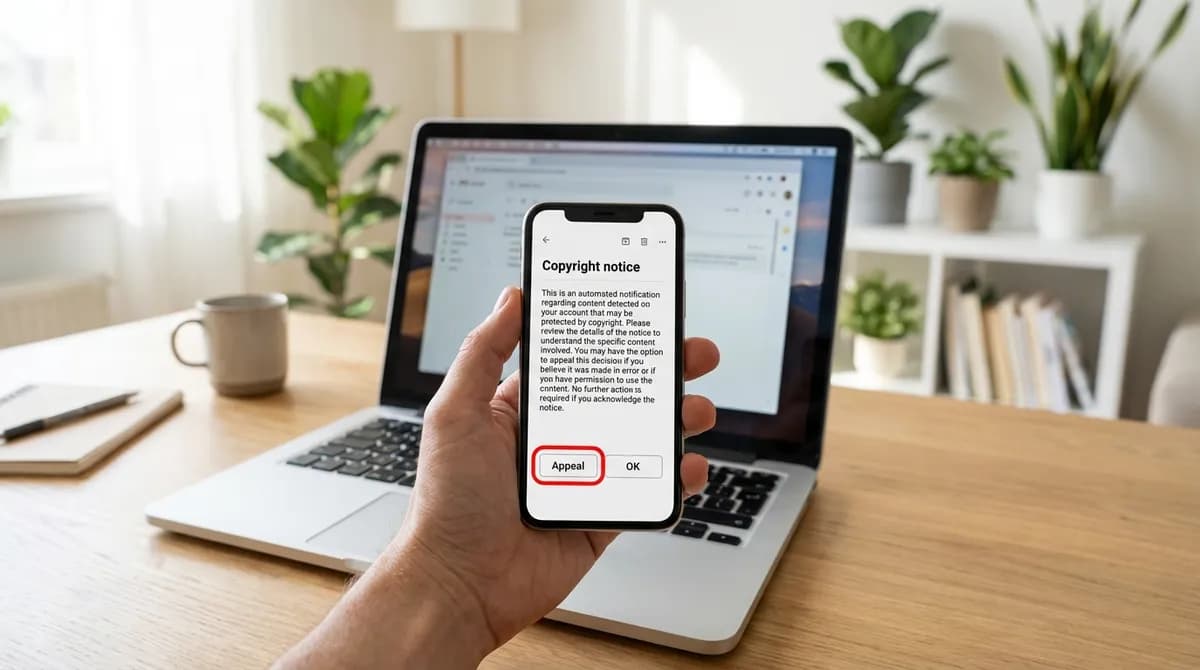
If someone reports a post of yours for copyright, you will usually get a notice saying the post was removed or muted, sometimes with a strike on your account. Under most platforms' policies, repeated strikes can lead to restrictions or the loss of the account.
- Read the notice. Check which post it concerns and what is claimed: the footage, the music or both.
- Do not upload the same content again. That usually counts as a further violation.
- If it was someone else's work and you had no permission, leave it down, and ask the creator if you still want to use it.
- If it is your own work, or you had permission, most platforms have an appeal or counter-notice process. Use it, and include the reply you saved in step 3.
- If the claim involves money, a business or a letter from a lawyer, get advice from a lawyer where you live.
Where SnapVidBox fits
SnapVidBox only resolves public links. When you paste a share link, the server fetches the files the platform already serves for that post and lists them. It stores no videos, does not keep the links you paste, and cannot reach private accounts, friends-only posts or anything behind a login.
What you do with a file afterwards is up to you and the rules above. If you hold the rights to something and want to report it, the DMCA page explains how to send a notice. Other questions go through the contact page.
The short version
If the file stays on your device for your own viewing, you are in ordinary personal-use territory. Once it goes back out to an audience, in a repost, an advert or a paid product, you need the creator's permission, and possibly the music rights as well. Ask first, keep the reply and credit the creator. That costs a message; a takedown costs you the post.
Frequently asked questions
Can I get in trouble for saving a video to watch later?
Saving a public video for your own offline viewing is generally treated as ordinary personal use. Problems usually start when the copy is shared, reposted or used commercially. Rules differ by country, so treat this as general information, not legal advice.
Does giving credit make it acceptable to repost someone's video?
No. Credit is good manners and often a condition of permission, but it does not replace permission. Ask the creator first, then credit them the way they ask.
Can I use a TikTok sound in my YouTube video?
Not automatically. Music on TikTok is often licensed only for use inside the app, so a song that is fine there may not be cleared for YouTube. Use music from a library that licenses it for your platform, or get permission from the rights holder.
Is a copy without the watermark any safer to repost?
No. A copy without the logo looks different, but the owner is the same. A clean file is useful for personal viewing and for editing your own work; reposting someone else's still needs their permission.
What if the creator does not answer my request?
Treat silence as a no, rather than posting and waiting to see whether they object. You can try another channel, such as a business email listed on their profile, or choose a different video.
Does SnapVidBox keep a copy of the videos I download?
No. SnapVidBox stores no videos and does not keep the links you paste; it resolves public links and passes on the files the platform already serves. Copyright notices go through the DMCA page.
Ready to try it?
Paste any supported link and the platform is detected automatically.
Open the downloader