TikTok to MP3: save the sound from any public video
Paste the link of a TikTok video or photo post and the MP3 is listed first, ready to save. The video files and the cover image are there too if you want them.
How it works
How to download a TikTok sound as MP3
The MP3 comes from a video that uses the sound, so start from any public video or photo post where you hear it.
 01
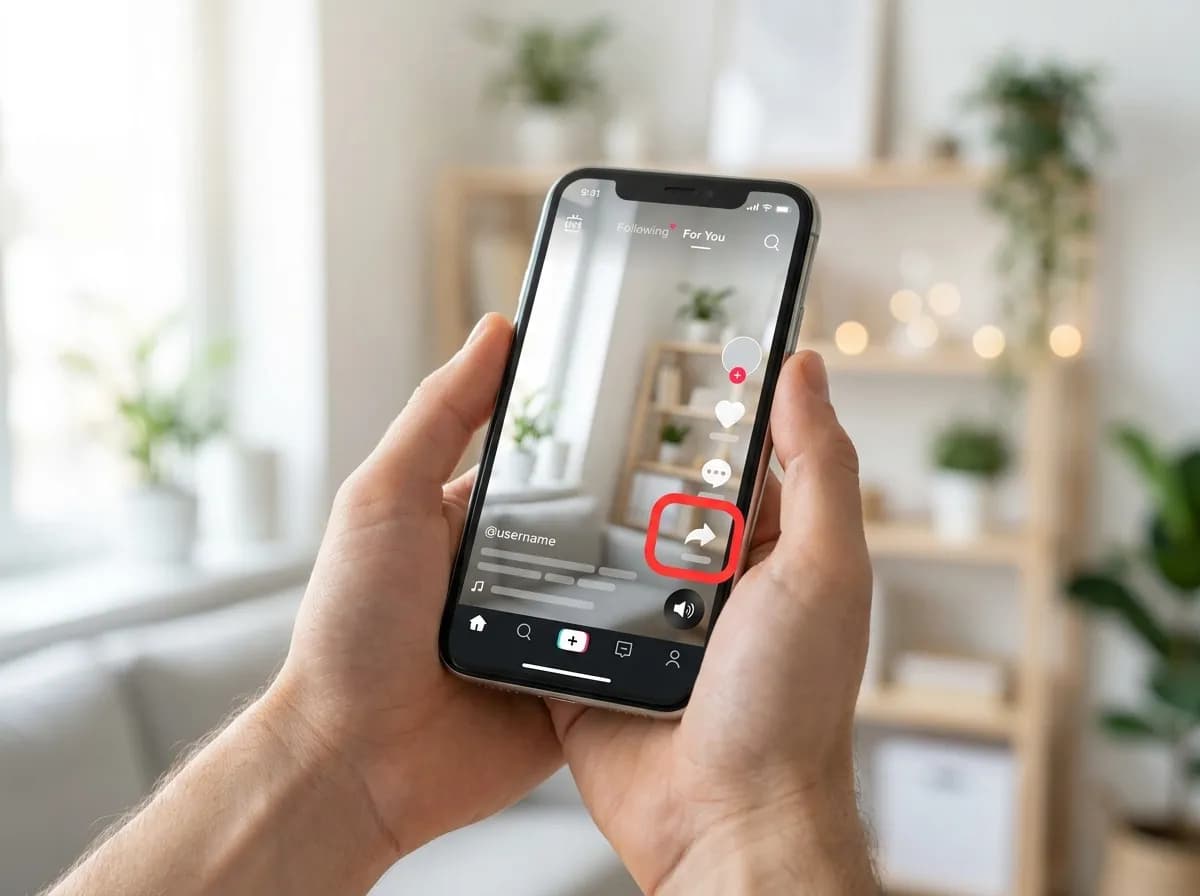
01Find a video that plays the sound
Open any public TikTok video or photo post that uses the sound, then tap the arrow-shaped Share button on the right-hand side.
 02
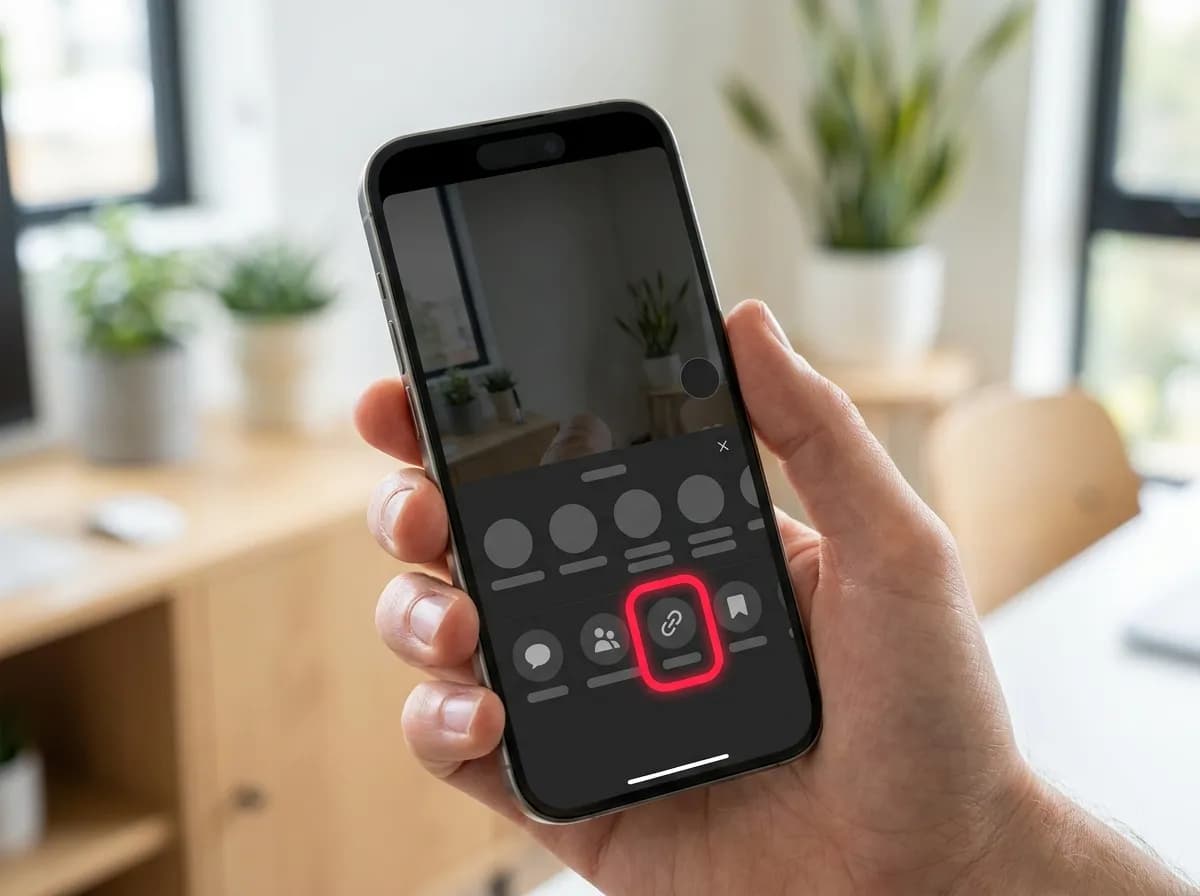
02Copy the video's link
Tap Copy link. Use the link of the video, not of the sound's own page: the box resolves video and photo-post links.
 03
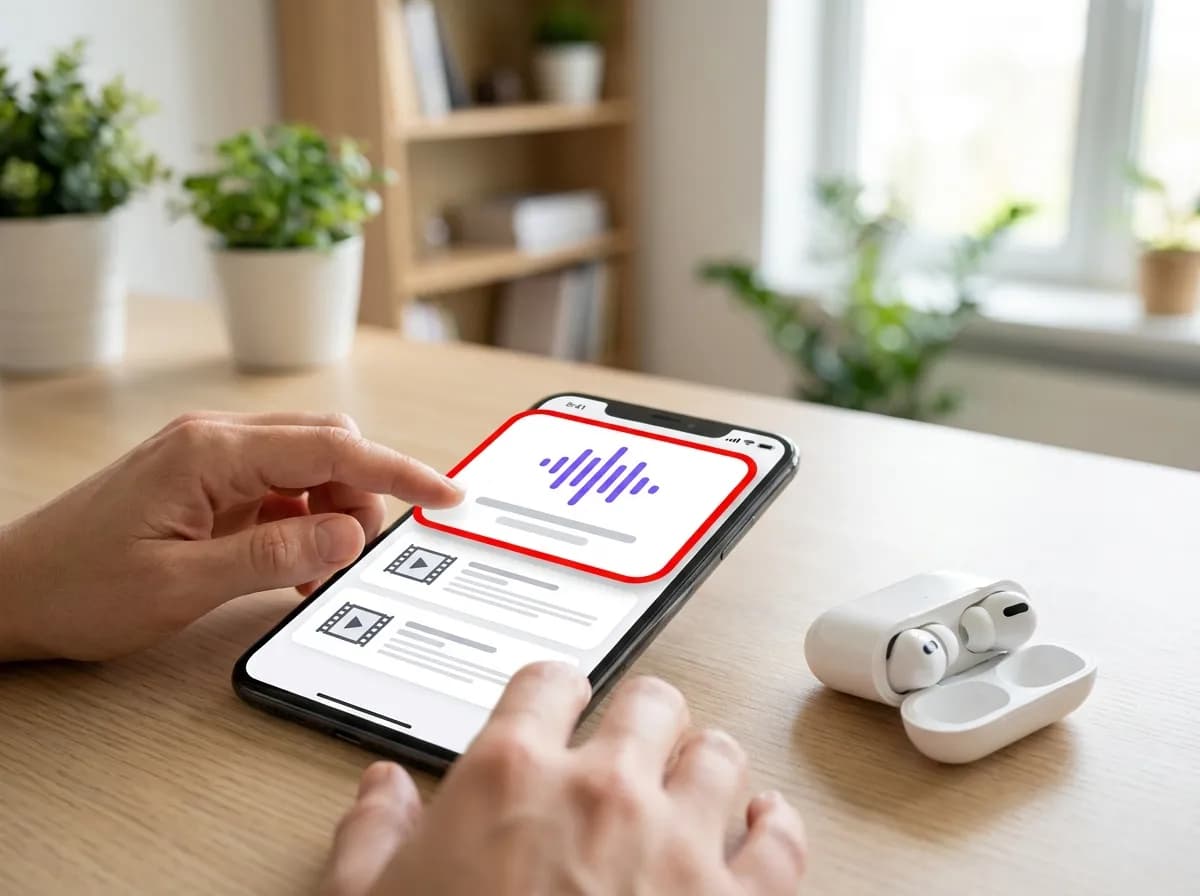
03Paste it and save the MP3
Paste the link into the box at the top of this page and tap Download. On this page the MP3 is listed first, above the video files. Tap it to save the sound.
Good to know about TikTok audio
- The MP3 is the sound exactly as it plays in that post, so a clip that uses part of a song gives you that part.
- On iPhone, the MP3 lands in Files, under Downloads, and plays from there. On Android it appears in the Downloads folder and in most music apps.
- Music on TikTok is licensed separately from the video. Listening offline is personal use; putting the track in your own posts or projects needs the rights holder's permission.
Why this one
Everything you need, nothing you don't
No pop-ups between you and the file, no countdown before the link appears.
Resolved in a few seconds
Links are parsed server-side and handed back as direct media URLs, so the only thing that limits you is your own connection speed.
No account, no app install
Everything runs in the browser tab you already have open. We never ask you to sign in or hand over credentials for the source platform.
Clean files, no watermark
Where the platform exposes an unbranded rendition, that is the one we hand you first, ready to re-edit without a logo in the corner.
Every quality on offer
HD, SD and audio-only renditions are listed side by side with their file size so you can pick what fits your storage.
Built for phones first
The layout is designed for one-handed use on a phone, and works the same on tablets, laptops and desktops.
Nothing kept afterwards
Submitted links are used to answer the request and then dropped. No download history, no profile, no tracking cookies.
TikTok MP3 downloader questions
How do I convert TikTok to MP3?
Copy the video's share link, paste it into the box above and tap Download. The MP3 is the first file in the list. Nothing is converted on the way: it is the sound TikTok already stores for that post.
Can I download TikTok sound from the sound's own page?
Not from that link. The box resolves video and photo-post links, so open any public post that uses the sound and copy its link instead. The MP3 that comes back is the sound as it plays in that post.
What audio quality does the MP3 have?
It is the audio file TikTok serves for the post, passed through without re-encoding, so the quality is whatever TikTok stored. Most sounds are compressed for phone playback: fine for listening, not a studio master.
Can I download TikTok music from a photo slideshow?
Yes. Photo posts carry a sound just as videos do, and it comes back as an MP3 next to the slides. The TikTok photo downloader page covers saving the pictures themselves.
Where does the MP3 end up on iPhone and Android?
On iPhone, Safari saves it into the Files app under Downloads, where it plays directly. On Android it lands in the Downloads folder and shows up in most music players. On a computer it goes to the browser's downloads folder.
Can I use a TikTok sound in my own videos?
Saving a sound to listen to offline is personal use. Many TikTok sounds are licensed songs, and putting one in your own posts, ads or projects needs the rights holder's permission; TikTok's in-app sound library is the licensed way to reuse them.
Is the TikTok MP3 downloader free?
Yes, with no daily cap, no account and no paid tier. There are no pop-ups or countdowns before the file appears, and the link you paste is dropped once the request has been answered.
Other platforms
3 more downloaders share the same box: paste any supported link on the home page and the platform is detected for you.