TikTok photo downloader for slideshows and carousels
Paste the link of a TikTok photo post and every slide comes back as a separate JPG, numbered in order, with the background sound as an MP3.
How it works
How to download TikTok photos and slideshows
A photo post is a set of separate pictures with a sound behind them, and that is how it comes back: one JPG per slide, plus the MP3.
 01
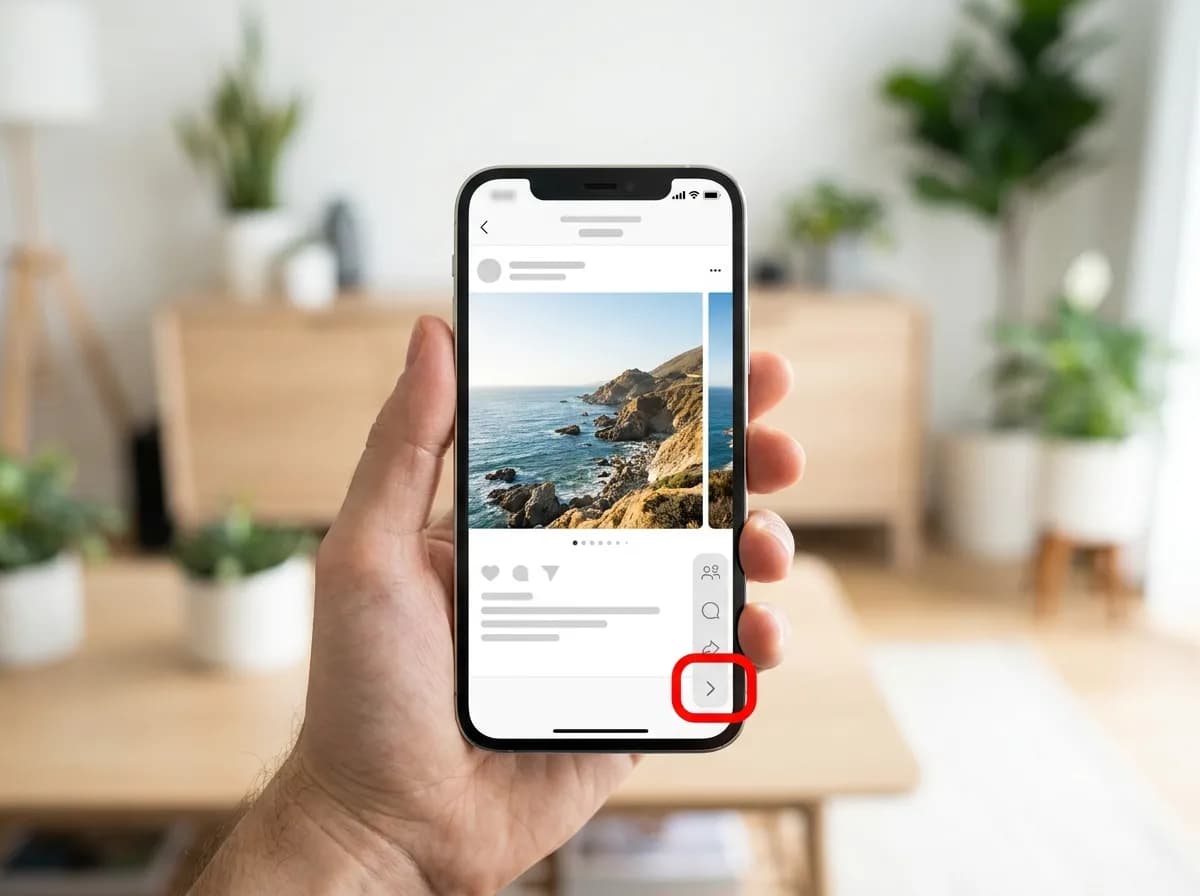
01Open the photo post and tap Share
Photo posts are the ones you swipe sideways, with small dots under the picture. Open the post and tap the arrow-shaped Share button on the right-hand side.
 02
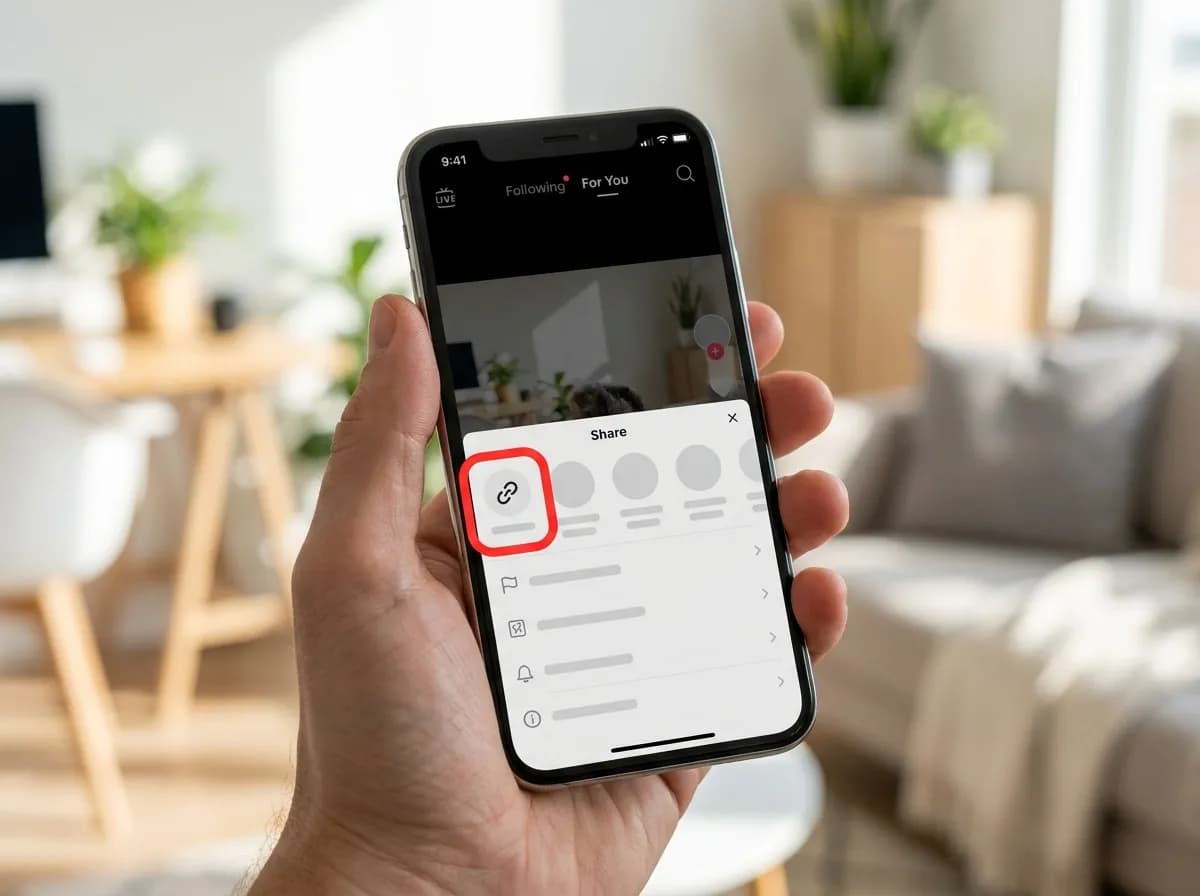
02Tap Copy link
Choose Copy link. Photo posts use the same link formats as videos, so a vt.tiktok.com short link works as well as the full address.
 03
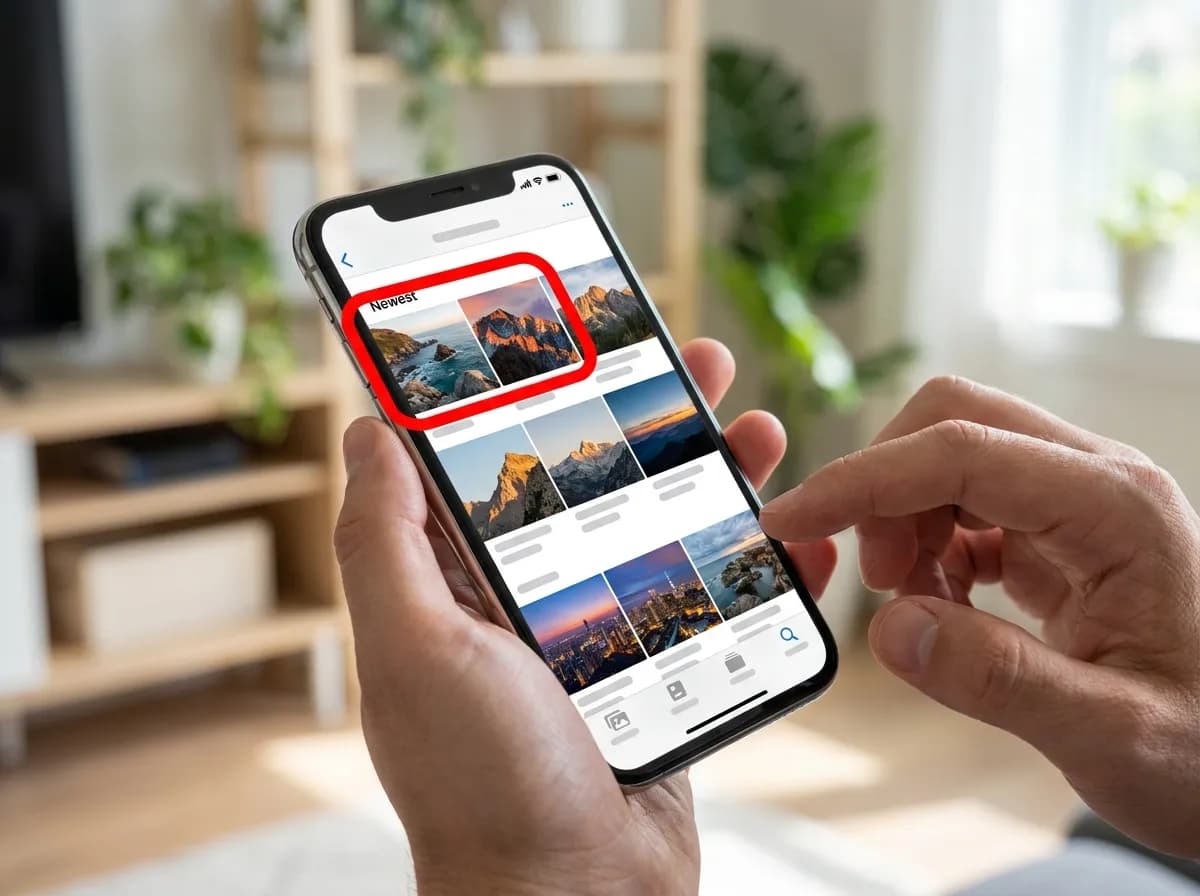
03Paste it and save each slide
Paste the link into the box at the top of this page and tap Download. Every slide is listed as its own JPG, numbered in the order it appears in the post, followed by the sound as an MP3.
Good to know about TikTok photo posts
- The slides are not stitched into a video, because TikTok does not store them as one. Save the ones you want and skip the rest.
- On iPhone, each JPG lands in Files, under Downloads. Open it, tap Share, then Save Image to put it in Photos.
- A normal video post has no slides; for those, the image you get is the cover (the thumbnail).
Why this one
Everything you need, nothing you don't
No pop-ups between you and the file, no countdown before the link appears.
Resolved in a few seconds
Links are parsed server-side and handed back as direct media URLs, so the only thing that limits you is your own connection speed.
No account, no app install
Everything runs in the browser tab you already have open. We never ask you to sign in or hand over credentials for the source platform.
Clean files, no watermark
Where the platform exposes an unbranded rendition, that is the one we hand you first, ready to re-edit without a logo in the corner.
Every quality on offer
HD, SD and audio-only renditions are listed side by side with their file size so you can pick what fits your storage.
Built for phones first
The layout is designed for one-handed use on a phone, and works the same on tablets, laptops and desktops.
Nothing kept afterwards
Submitted links are used to answer the request and then dropped. No download history, no profile, no tracking cookies.
TikTok photo downloader questions
How do I download TikTok slideshow photos?
Tap Share on the post, then Copy link, and paste the link into the box above. Each slide is listed as its own JPG in the order it appears in the post, and the sound follows as an MP3.
Can I save TikTok photos to my camera roll?
Yes. On iPhone, Safari saves each JPG into the Files app; open it, tap Share and choose Save Image to move it into Photos. On Android the pictures land in the Downloads folder, where most gallery apps find them.
Why are the slides not saved as a video?
Because TikTok does not store a photo post as a video. It keeps the pictures and the sound as separate files and plays them together in the app, so that is what comes back: the pictures as JPGs and the sound as an MP3.
Can I download only some of the photos?
Yes. Every slide has its own download button, so you can save the ones you want and skip the rest. Nothing is bundled into a ZIP file, which also makes it easier to save them on a phone.
Does the TikTok photo downloader work with a normal video?
It does, but a video has no slides to return. For a video post the cover image is listed first, followed by the video files and the MP3; the TikTok video downloader page is set up for that case.
What image quality do the TikTok photos come in?
Each JPG is the image file TikTok serves for that slide, passed through as it is. The size depends on what the creator uploaded and what TikTok kept; nothing is resized or compressed again on the way to you.
Can I download photos from a private TikTok account?
No. Only public posts resolve, so slides from private accounts, friends-only posts and deleted posts cannot be saved. If the post opens for someone who is not logged in, the link should work here.
Other platforms
3 more downloaders share the same box: paste any supported link on the home page and the platform is detected for you.