How to choose a safe video downloader, and what to check before pasting a link
Short answer
A safe video downloader asks for a link and nothing else: no TikTok, Instagram or Facebook password, no app and no browser extension. Leave any site that asks for a platform login, claims it can save private posts, or hands you an .exe, .dmg or .apk instead of an MP4, MP3 or JPG. Then check what it says it keeps and whether it shows the file size and quality before you download.
A safe downloader asks for a link and nothing else. It never asks you to sign in to the platform, never asks you to install anything, and does not need an extension. If a site wants your TikTok, Instagram or Facebook password, close the tab: there is no download that needs it, and handing over a password to a third party gives away the account and breaks the platform's terms at the same time.
Beyond that one rule, the differences between tools come down to seven things you can check in under a minute. This guide lists them, the three warning signs that should end the visit, and — because a page that only lists its own strengths is not a comparison — where SnapVidBox is the wrong choice.
The seven checks
In rough order of how much they matter. The first three are about your safety; the rest are about whether the thing works.
| Check | Why it matters | A good answer |
|---|---|---|
| Does it ask for platform credentials? | No download requires them. Asking is the single clearest sign the site is after the account rather than helping you | Never asks. A link is the only input |
| Does it require an install or an extension? | A browser extension can read every page you visit. That is a very large permission for a one-off download | Works in a normal browser tab, nothing to install |
| What does it say it keeps? | A tool that keeps your links can build a history of what you watch. A policy that says "nothing" while also describing logs has not thought about it | A specific, checkable answer: what is kept, what is not, and why |
| Pop-ups, countdowns, fake download buttons? | These are the business model showing. The real file is usually behind the third button | One list of files, each button downloading the file it names |
| Does it show file size and quality before you commit? | Otherwise you find out a "HD" download was the standard rendition after waiting for it | Resolution and size shown next to every option |
| Is it honest about watermarks? | No tool can remove a logo that is drawn into the picture. One claiming otherwise will crop or blur your video | Offers the platform's clean rendition where one exists, says so when it does not |
| Does it say which platforms it actually handles? | A site listing twenty logos usually resolves four of them and fails silently on the rest | A short, specific list, with the gaps named |
Three warning signs worth leaving over
Any one of these is enough reason to go elsewhere, regardless of how good the rest of the site looks.
- It asks for a platform login, or offers to "connect your account". Covered above, and worth repeating because it is the one that actually costs people their accounts.
- It claims it can download private or friends-only posts. This is not possible without credentials, so the claim is either false or a prelude to asking for them.
- The download button produces an installer rather than a video file. A video download is an MP4, an MP3 or a JPG. An .exe, .dmg or .apk is something else entirely.
What "nothing is stored" should actually mean
This is the check people skip, and the one where the answers differ most. "We don't store anything" is easy to write and usually not quite true, because a server that answers requests produces logs whether anyone planned for them or not.
A policy worth trusting is specific rather than absolute. The useful questions are: is the link you pasted written down anywhere; is anything kept that could be tied back to you; and if something is kept, what is it for.
For this site the answers are: the link is used to answer the request and then dropped; each attempt records which platform it was for, whether it worked, how long it took and the size of the largest file, with no URL, no IP and no visitor identifier; and that exists so the service can be measured honestly rather than guessed at. The privacy policy says the same thing at more length, and any tool you are considering should be able to be that specific.
Where this site is the wrong choice
A comparison that concludes "use us" for every reader is an advertisement. These are the cases where something else will serve you better, and they are real rather than modest-sounding.
- You want Instagram photos or Stories. Not supported yet: Reels and video posts work, photo posts and Stories do not.
- You want YouTube, X, Reddit, Vimeo or anything else outside TikTok, Douyin, Facebook and Instagram. Four platforms, and the rest will tell you the host is not supported.
- You want to download your own private posts or anything behind a login. No outside tool can do this, including this one. Use the platform's own data export or its in-app save button.
- You want to batch-download an entire account. This takes one link at a time, by design; the terms of use ask you not to automate it at volume.
- You want to edit, trim or re-encode. Files come back as the platform serves them, except for MP3 conversion. Anything beyond that is a job for a video editor.
And where it is a good fit
The flip side, kept to what the previous section leaves standing: a public TikTok, Douyin, Facebook or Instagram video that you want as a file, in the browser you already have open, without an account, an install or an advert. Plus the watermark-free rendition where the platform keeps one, and MP3 where you want the sound instead.
If what you need is outside that list, the honest answer is that a different tool is the right one.
A last thing that is not about the tool
Choosing a safe downloader settles how you get the file. It does not settle what you may do with it: saving a clip to watch offline is ordinary personal use, and reposting someone else's video is not, regardless of which tool produced the file. That is a separate question, covered in downloading videos and copyright.
Frequently asked questions
Are online video downloaders safe?
The ones that only take a link generally are, because there is nothing to compromise: no account, no install, no permissions. The risk lives in the ones that ask for a platform login, push an installer, or hide the real download behind layers of pop-ups. The checks above separate the two in about a minute.
Do I need to install an app to download videos?
No. Anything a downloader does can be done on a server and handed back as a file, so a browser tab is enough. An install or a browser extension asks for far more access than a one-off download needs, which is why it is worth refusing.
Why do some downloaders ask me to log in to TikTok or Instagram?
Because they want the account, not because the download needs it. Fetching a public post requires no credentials at all. Handing them over gives a third party full access and breaks the platform's terms, which can cost you the account on its own.
Is a downloader that shows ads unsafe?
Not automatically, but it changes what you have to watch out for. The pattern worth avoiding is a page where the prominent buttons are adverts and the real download is small and off to the side, because that design exists to get the wrong click. One list of clearly named files is the sign of a site not doing that.
Can a downloader really remove a watermark?
Only by fetching a copy the platform already stores without one, which exists for many TikTok posts and not for all. There is no way to remove a logo that is part of the picture without blurring or cropping it, so a tool promising watermark removal on any video is describing damage to the video rather than a clean download.
Related guides
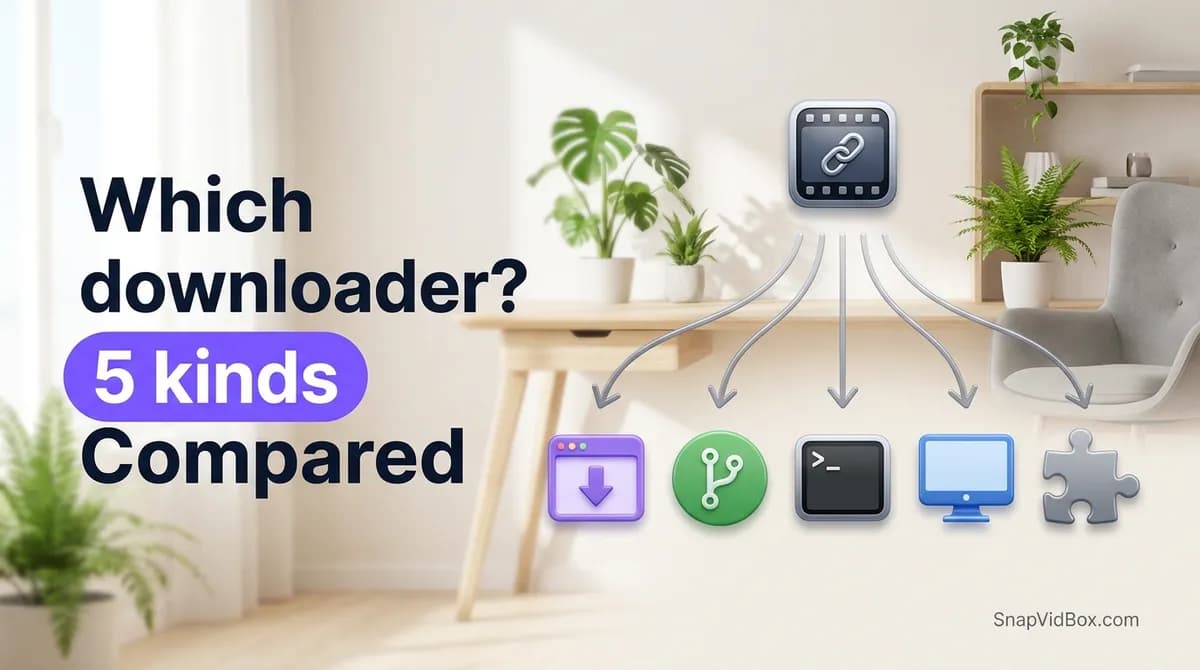
Which video downloader should you use? The five kinds, compared
Link tools, open-source web apps, the command line, desktop software and extensions solve the same problem differently. What each kind is good at, what it costs you, and which one fits your case.
9 min read
Why a video link won't download, and how to tell which problem you have
A link that refuses to download usually fails for one of five reasons. How to tell them apart from the message you get, and what actually fixes each one.
7 min read
Downloading videos and copyright: what you can and cannot do
What personal offline viewing covers, where reposting crosses the line, how music rights work, and how to ask a creator for permission.
8 min read
How to download a Douyin video on Android without the watermark
Four steps from a v.douyin.com link to a clean MP4 in your Android phone's gallery, in Chrome, with no app to install, no Douyin account and no Chinese phone number.
8 min read
Sources
- Video downloads — TikTok
- Terms of Service — TikTok
- Terms of Service — Meta
- Terms of Use — Instagram
Ready to try it?
Paste any supported link and the platform is detected automatically.
Open the downloader