How to download a private Facebook video: what can and cannot be saved
Short answer
Copy the post's link, paste it into the SnapVidBox private Facebook downloader and pick a file; if Facebook refuses a logged-out visitor, our server retries with its own account. That saves videos in public groups and public videos hidden behind the login wall. Videos set to Friends or Only me, posts in private groups and deleted posts cannot be saved by any link-based tool.
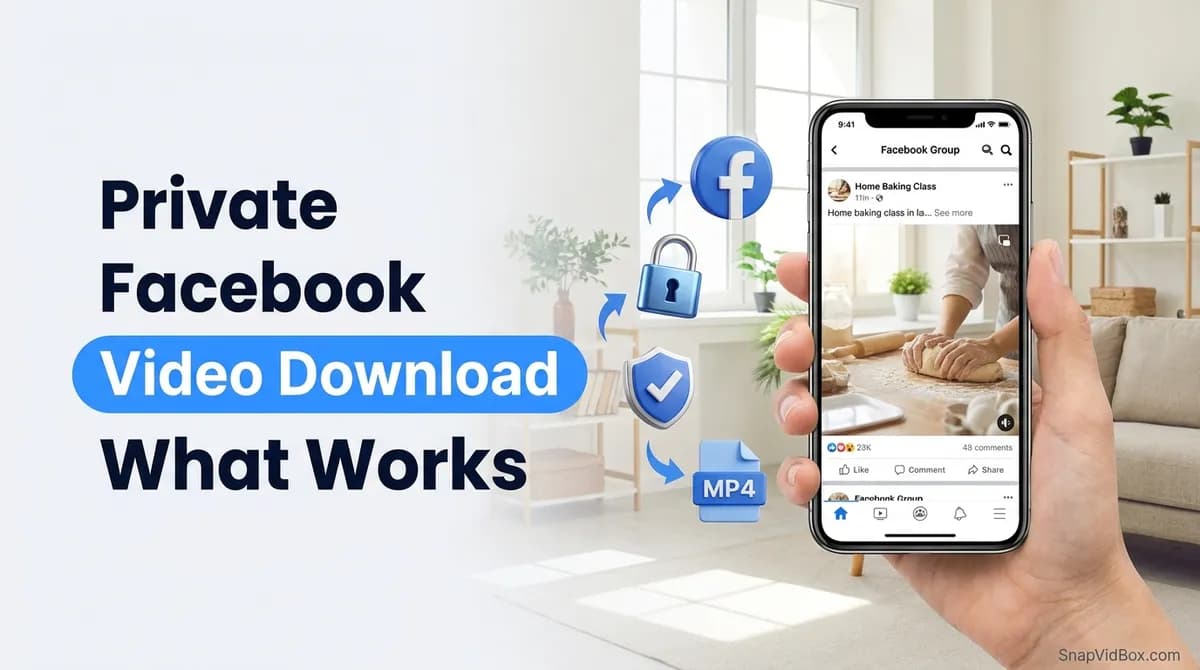
To download a Facebook video that asks you to log in, copy the post's link, paste it into the private Facebook video downloader and pick a file from the list. If Facebook refuses to show the video to a logged-out visitor, our server opens it once more with its own Facebook account. That is enough for videos in public groups and for public videos that Facebook hides behind its login wall.
It is not enough for everything people call private. A video set to Friends or Only me, a post in a private group and a deleted post are only served to the accounts the owner allowed, and our account is not one of them. No link-based downloader can open them, this one included.
This guide walks through the steps, explains which kinds of Facebook video can be saved and which cannot, and covers what to do when the download fails.
What you need
- The link of the post that holds the video: a group post, a page post, a Reel, or a facebook.com/share/… or fb.watch link.
- A post that is public, or in a public group. Whether you yourself can watch it while logged in does not matter; what matters is whether an ordinary account that is not your friend could.
- Any browser: Safari or Chrome on a phone, or Chrome, Edge, Firefox or Safari on a computer. No account, no install, and nothing to log in to.
Step 1: Copy the post's link
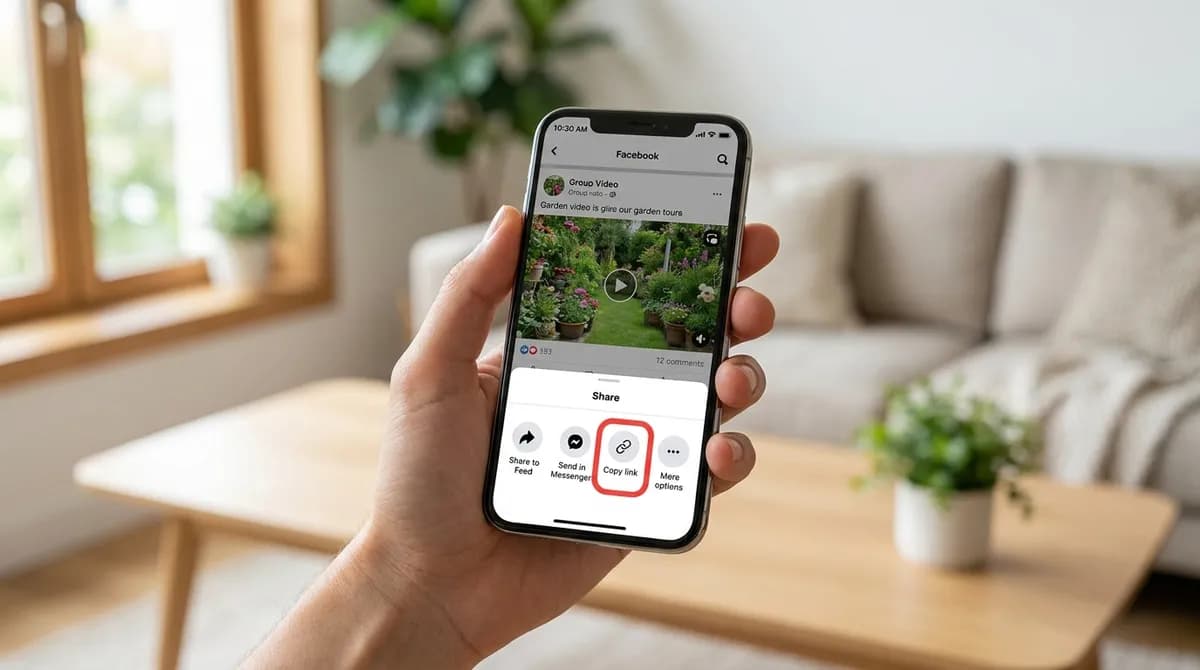
In the Facebook app, open the post and tap Share, then Copy link. In a group, tapping the post's timestamp opens the post on its own, and Share > Copy link from there gives its address. On a computer, click the timestamp or open the video so it has its own page, and copy the address bar.
A link to the whole group or to someone's profile is not enough: the box needs the address of the one post that holds the video. Links in the facebook.com/share/… and fb.watch forms work as well; SnapVidBox follows them to the post.
Step 2: Paste it into the private downloader
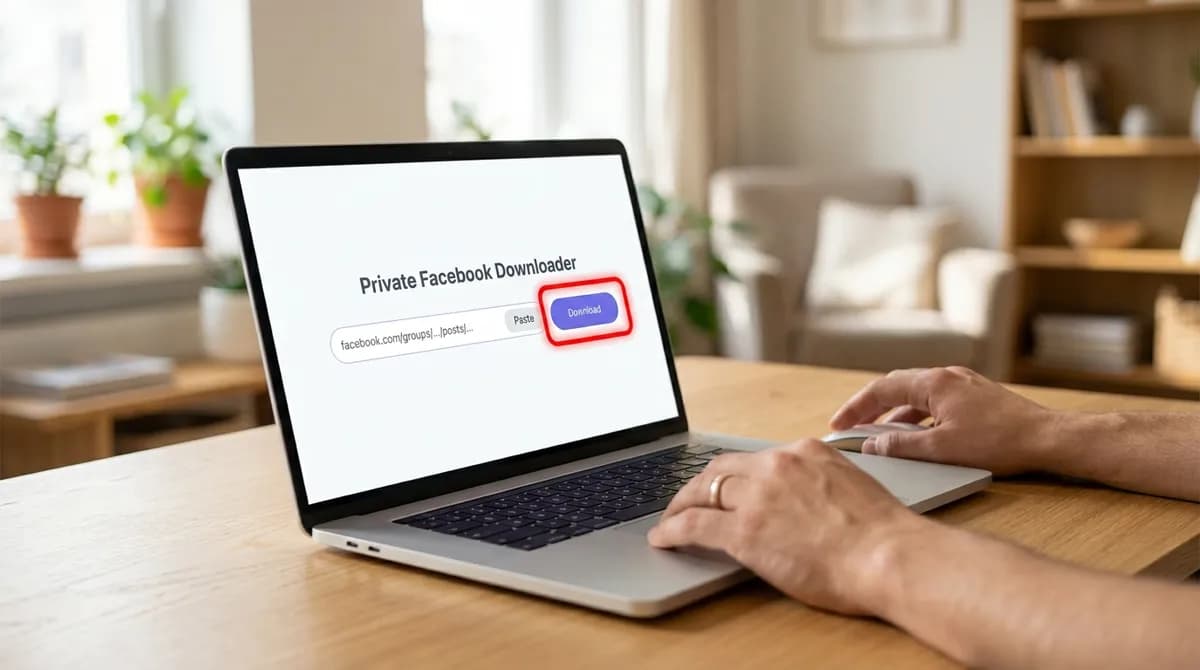
Open the private Facebook downloader, paste the link into the box with the Paste button or Ctrl+V, and tap Download. The box takes only the link. There is no field for a password, a cookie or the page's source code, and we never ask for your Facebook account.
The ordinary Facebook video downloader handles public posts just as well; the private page is the one to use when a video only plays after a login.
Step 3: Wait while the server opens the post
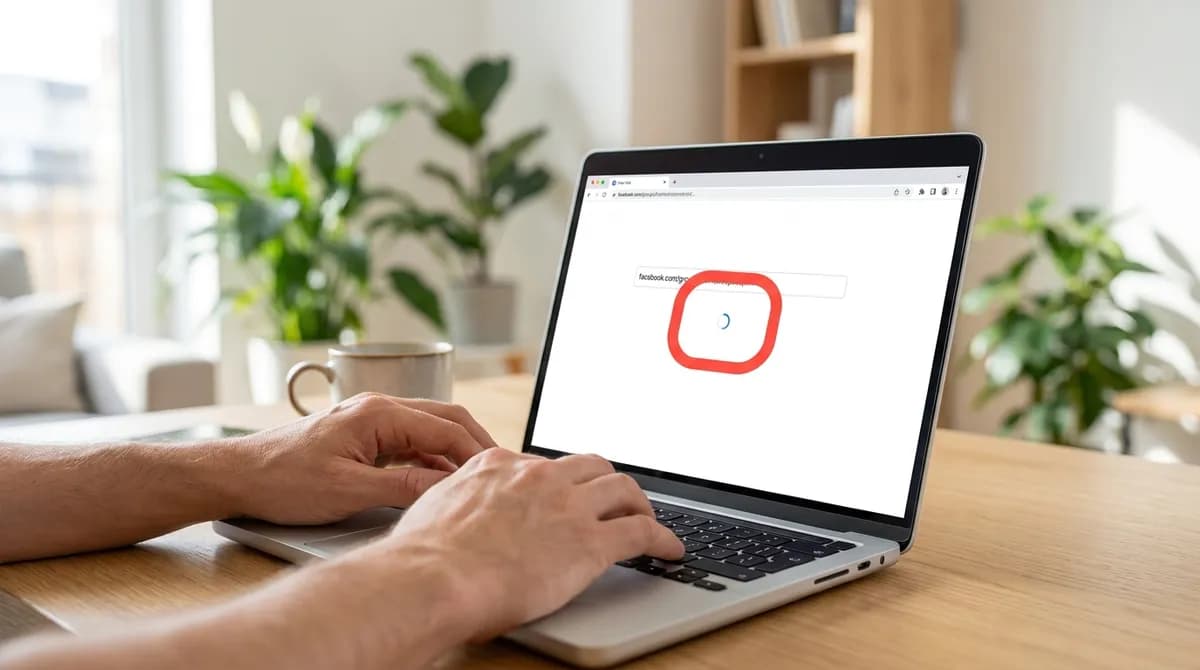
The link is tried first without logging in, the way any visitor would see it. If Facebook answers with a login wall, our server tries once more with its own Facebook account. That account is a normal one: it is not your friend and not a member of your private groups, so it sees what any stranger with a Facebook account would see.
This takes a few seconds. If the post opens either way, the list of files appears. If it does not, the page shows: "That Facebook video could not be fetched. Check that the post is public, then try again."
Step 4: Choose a file
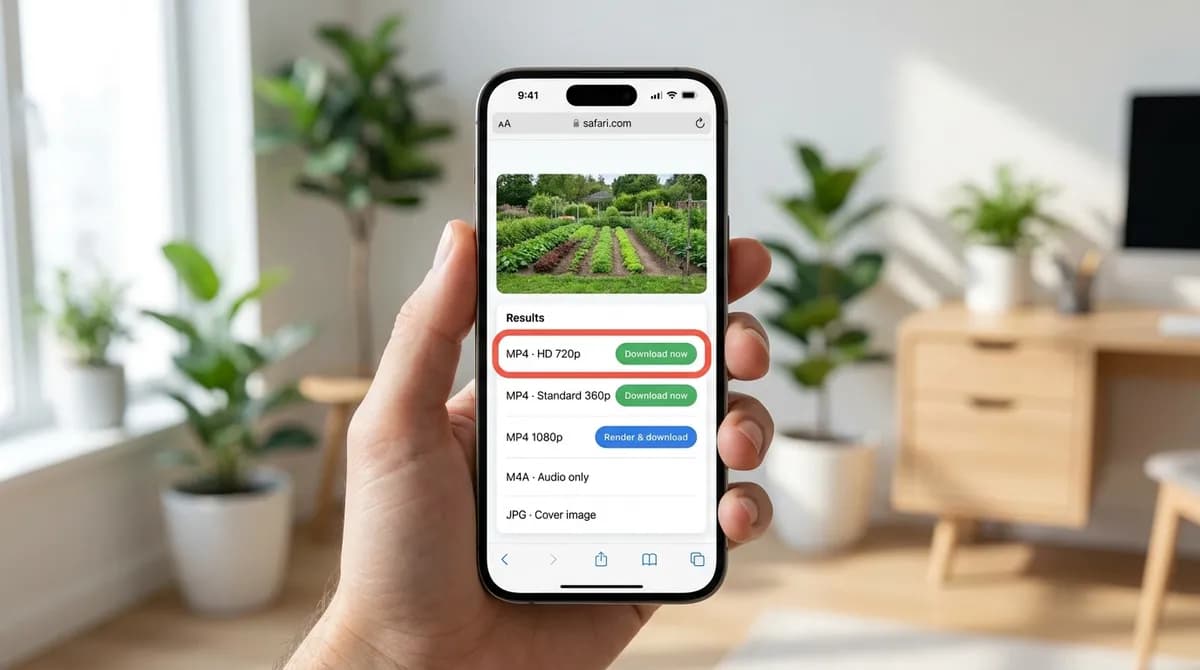
The list looks the same as for any Facebook video. MP4 · HD, usually 720p, and MP4 · Standard, usually 360p, have a green Download now button and download at once. When the upload has taller versions, such as 1080p or higher, they appear with a blue Render & download button: our server joins the picture with the sound, which takes a few seconds while the row shows Preparing.
Below the video rows are the sound and the cover: an M4A with the original audio (Download now), MP3 at 320, 256 and 128 kbps (Render & download), and a JPG of the cover image.
Step 5: Find the saved video
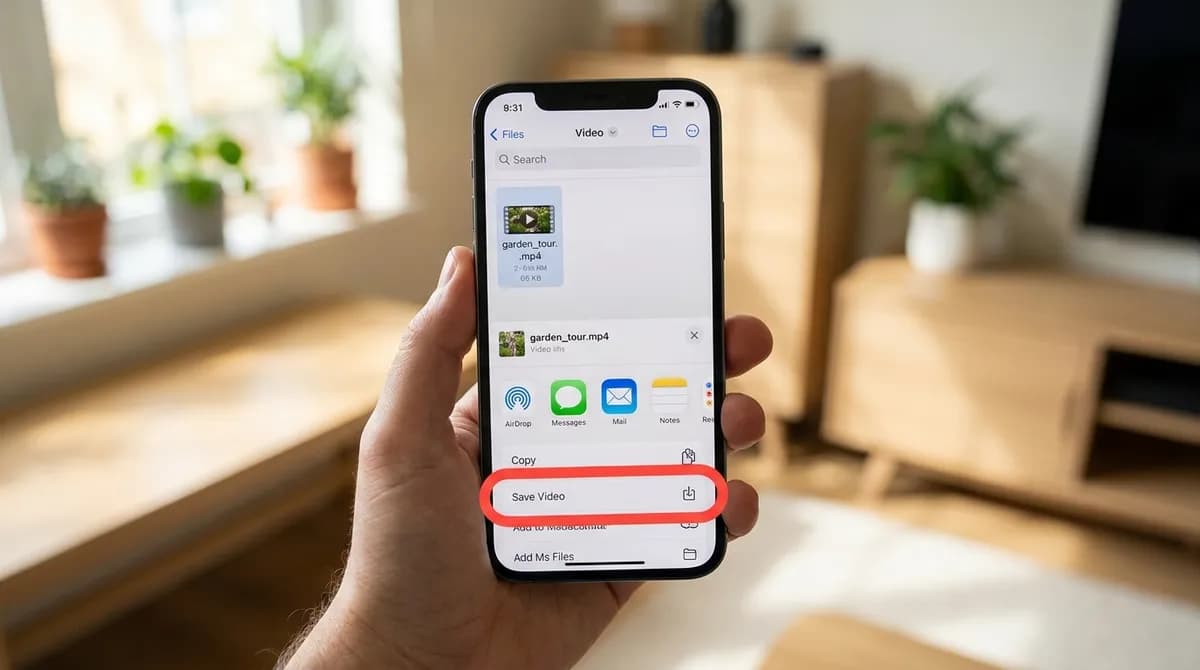
On a computer the file goes to the browser's Downloads folder, and on Android to Download. On an iPhone, Safari saves it to the Files app under Downloads, which is in iCloud Drive unless you changed it to On My iPhone. To put a video in Photos, open it in Files, tap Share and choose Save Video; MP3 and M4A files stay in Files.
The iPhone guide and the PC guide cover the folders and players in more detail.
What "private" means on Facebook, and what can be saved
People call a Facebook video private for very different reasons, and only some of them stop a download.
- A public video behind the login wall: Facebook shows logged-out visitors a box asking them to log in, but the post is public. This works, because our server can look at it logged in.
- A post in a public group: anyone can see it, but Facebook often asks for a login first. This works too.
- A video set to Friends or Only me: Facebook serves it only to the people the owner chose. This does not work.
- A post in a private group: only members see it. This does not work, even if you are a member, because the server opens the link with its own account, not yours.
- A deleted post, or one the owner has since restricted: there is nothing left to fetch. This does not work.
- A Story: Stories have their own Facebook Story downloader, with the same rule: public Stories only.
Why friends-only videos cannot be downloaded
Facebook decides who receives a video file when someone asks for it. For a friends-only video, it checks whether the asking account is on the owner's list, and sends nothing to anyone else. A downloader works by asking Facebook for the file from its own server, so it can only receive what Facebook hands to that server's account. No link, trick or setting changes that.
A site that says it can download friends-only or private-group videos is asking you to do one of two things: log in to Facebook through it, or paste your cookies or the page's source code. Both hand over access to your account. Do not give either to any website; the guide on choosing a safe video downloader explains what else to look out for.
If you need a video from a private group or a friend, the honest route is the simplest one: ask the person who posted it to send you the file.
Which file to pick
MP4 · HD is the right choice for most people: it downloads at once and plays on every phone, computer and TV. Pick Standard when space or data is tight. Choose a 1080p or taller row only when you will watch on a large screen; those versions use the VP9 codec at those sizes, which recent phones, browsers and VLC play, but QuickTime on a Mac does not.
For a talk, a lesson or a sermon you only want to listen to, take the M4A for the original sound or an MP3 for the widest compatibility.
On other devices
The steps are the same on Android, iPhone, iPad, Windows and Mac, because everything happens in the browser. On a computer the post's link is easiest to get by clicking its timestamp, which opens the post on its own page. Each link is handled one at a time, with no daily limit; paste the next one when the first download has started. Nothing is bundled into a ZIP file.
If the download fails
The message "That Facebook video could not be fetched. Check that the post is public, then try again." almost always means one of the cases that cannot work. Go through these in order:
- Check the audience icon next to the post's date. A globe means public; two people means Friends; a padlock means Only me.
- Check the group: under its name Facebook says whether it is a public or private group.
- Open the link in a private browser window. If the post says it is unavailable even to logged-in strangers, it is restricted or deleted.
- Make sure the link points to the post itself, not to the group, the profile or a search page.
- If a blue row says "The server is busy preparing other files. Try again in a minute.", it is not a problem with the video: at most about two files are being prepared at once. Wait a moment, or take an HD row, which downloads directly.
The guide on why a video link won't download covers the other reasons a link can fail on any platform.
Saving group videos responsibly
A video posted in a group was shared with its members, not with the world. Keeping a copy to watch later is ordinary personal use. Passing it on, posting it elsewhere or cutting it into your own video is different: ask the person who posted it first, and remember that the video belongs to whoever made it. Facebook's terms say the same about content its users upload. The copyright guide explains where personal use ends.
Which Facebook videos a link can save
How each kind of Facebook video behaves when its link is pasted into a downloader:
| Kind of video | Who can see it | Saved from its link? | Notes |
|---|---|---|---|
| Public post or Reel | Anyone | Yes | Works on the Facebook downloader too |
| Public video behind the login wall | Anyone with an account | Yes | The server retries with its own account |
| Post in a public group | Anyone | Yes | Use the post's own link, not the group's |
| Friends | The owner's friends | No | Ask the owner for the file |
| Only me | The owner | No | Never served to anyone else |
| Post in a private group | Group members | No | Not even when you are a member |
| Story | Depends on the Story's audience | Public Stories only | Use the Facebook Story downloader |
| Deleted post | Nobody | No | There is nothing left to fetch |
In short
Paste the post's link into the private Facebook downloader: it saves public videos behind the login wall and posts in public groups, in HD at once or 1080p after a short render. Friends-only, Only me, private-group and deleted videos cannot be saved from a link by anyone, so never hand a site your login to try.
Frequently asked questions
Can I download a private Facebook video?
It depends on what makes it private. Public videos that ask you to log in and posts in public groups can be saved from their link. Videos set to Friends or Only me, posts in private groups and deleted posts cannot be saved by any link-based downloader.
Do I need to give my Facebook login?
No. SnapVidBox only takes the post's link. When Facebook refuses a logged-out visitor, our server retries with its own account. Never give your password or cookies to a downloader site.
Can I download a video from a private group I belong to?
Not with a link-based tool. The server opens the link with its own account, which is not a member of your group. Ask the person who posted it to send you the file.
Why does it say the video could not be fetched?
Usually the post is set to Friends or Only me, sits in a private group, or has been deleted. Check the audience icon next to the post's date and make sure the link points to the post itself.
Can I get the video in 1080p?
When the upload has a 1080p or taller version, it appears with a Render & download button and takes a few seconds. Those files use VP9, which recent phones, browsers and VLC play but QuickTime does not.
Can I share a video I saved from a group?
Ask the person who posted it first. A group video was shared with the group's members; keep your copy for yourself unless the owner agrees.
Related guides
How to convert a Facebook video to MP3 and keep just the audio
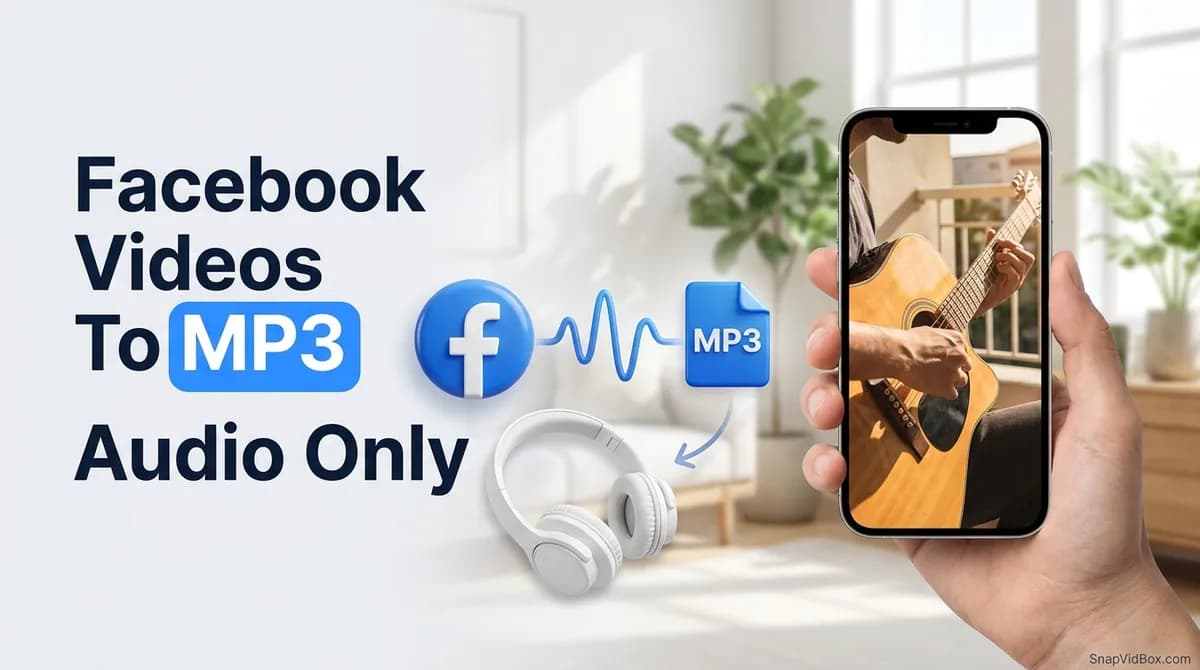
Save the sound of a Facebook video or Reel as an MP3 or the original M4A, on a phone or a computer, with no app. Which bitrate to pick and which posts work.
8 min read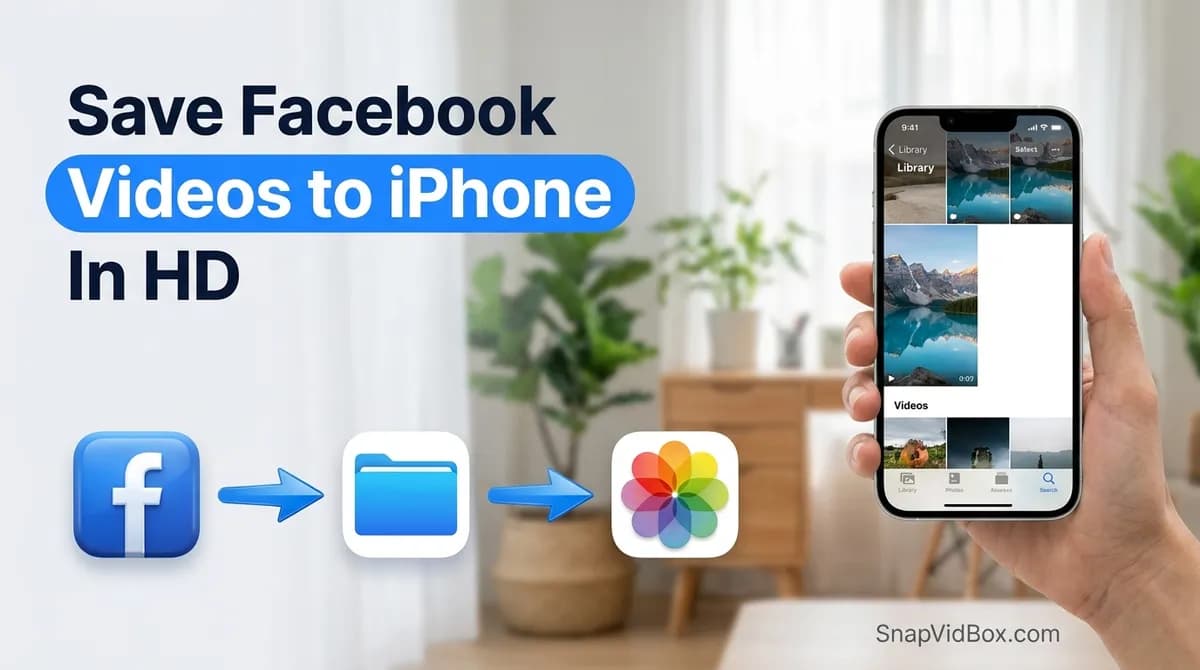
How to save a Facebook video or Reel to your iPhone camera roll
Facebook has no download button for most videos, and Safari saves files to Files, not Photos. Five steps from a Facebook link to your iPhone camera roll.
8 min read
How to download a Facebook video on PC or Mac in HD and 1080p
Save a Facebook video or Reel on Windows or macOS from your browser, with no software: HD at once, 1080p made on our server, or just the sound as MP3.
9 min read
How to download a Facebook Story video before it disappears
Stories vanish after 24 hours and Facebook has no save button for other people's. How to find a story's link and save the video in up to 1080p, on phone or PC.
8 min read
Sources
- Terms of Service — Meta
- Copyright in General (FAQ) — U.S. Copyright Office
Ready to try it?
Paste any supported link and the platform is detected automatically.
Open the downloader