Facebook to MP3 converter for videos and Reels
Paste the link of a public Facebook video or Reel and the MP3 options come first: 320, 256 or 128 kbps, made from the video's own sound in a few seconds.
Short answer
To convert a Facebook video or Reel to MP3, copy its link (Share, then Copy link), paste it into the box above and tap Download, then pick the 128 kbps MP3; our server converts the sound in a few seconds. The M4A row is the original sound, unconverted, and downloads at once. It is free, works on iPhone, Android and PC, and needs no Facebook login.
| File | How it downloads | Size per minute | When to pick it |
|---|---|---|---|
| M4A · original | At once (Download now) | Depends on the source; about 0.4 MB at 54 kbps | The untouched sound |
| MP3 · 128 kbps | Converted on our server (Render & download) | About 0.96 MB | The default: holds everything most Facebook sound has and plays everywhere |
| MP3 · 256 kbps | Converted on our server (Render & download) | About 1.9 MB | Only when something asks for it; sounds the same |
| MP3 · 320 kbps | Converted on our server (Render & download) | About 2.4 MB | Only when something asks for it; sounds the same |
How it works
How to convert a Facebook video to MP3
Works for public videos, Reels and Watch links, on a phone or a computer. No app, no Facebook login, and the MP3 is made from the video's own sound.
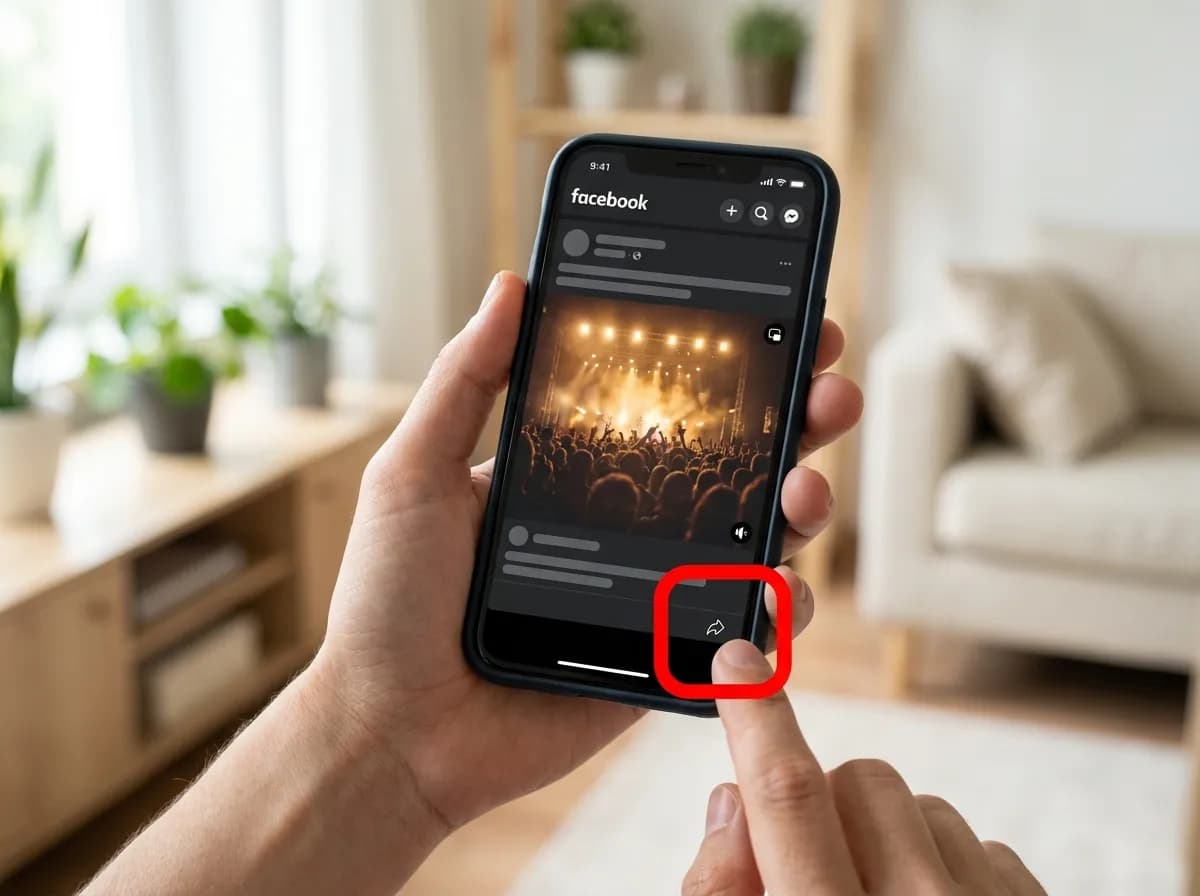 01
Copy the video's link
Open the video or Reel in the Facebook app and tap Share, then Copy link. On a computer, use the Share button under the video. Links from the share button (facebook.com/share/…) and fb.watch links both work.
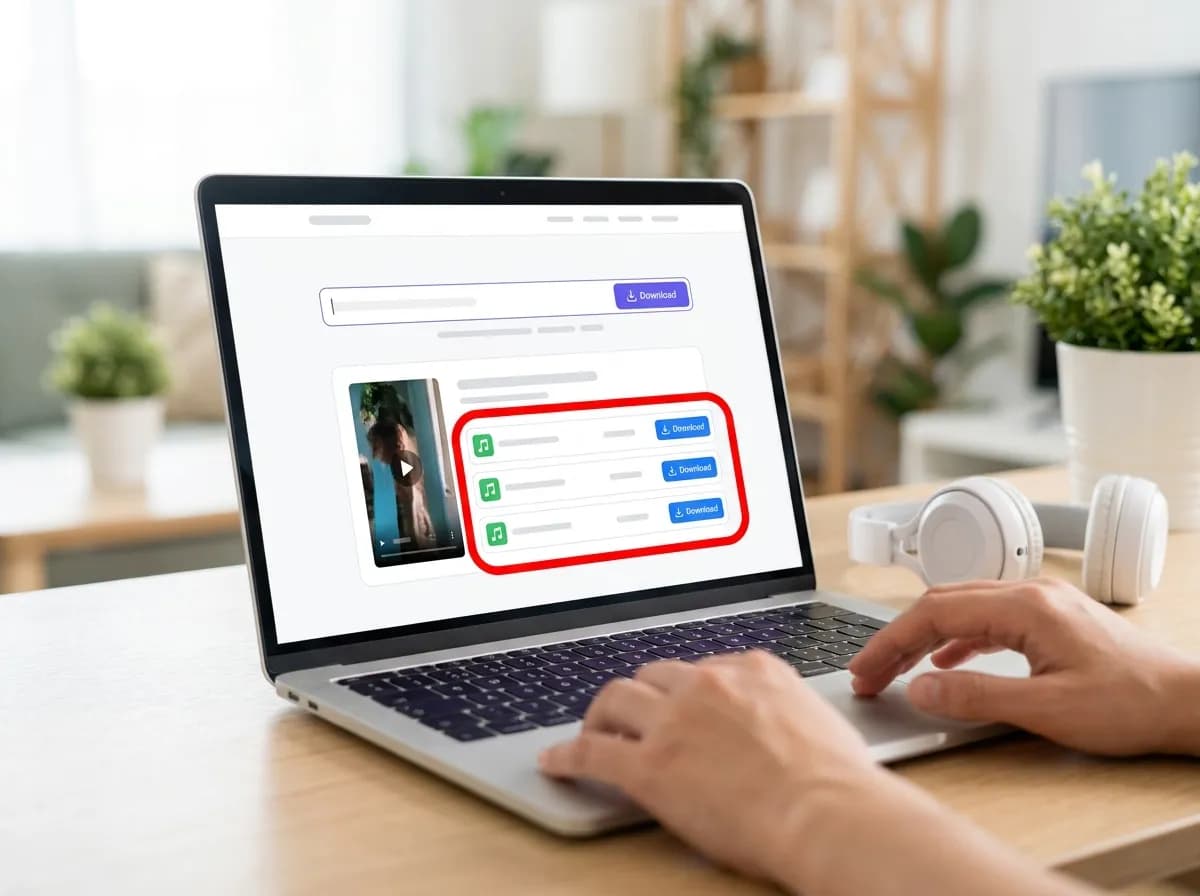 02
Paste it and tap Download
Paste the link into the box at the top of this page and tap Download. On this page the MP3 options are listed first, at 320, 256 and 128 kbps, followed by the original M4A and the video files.
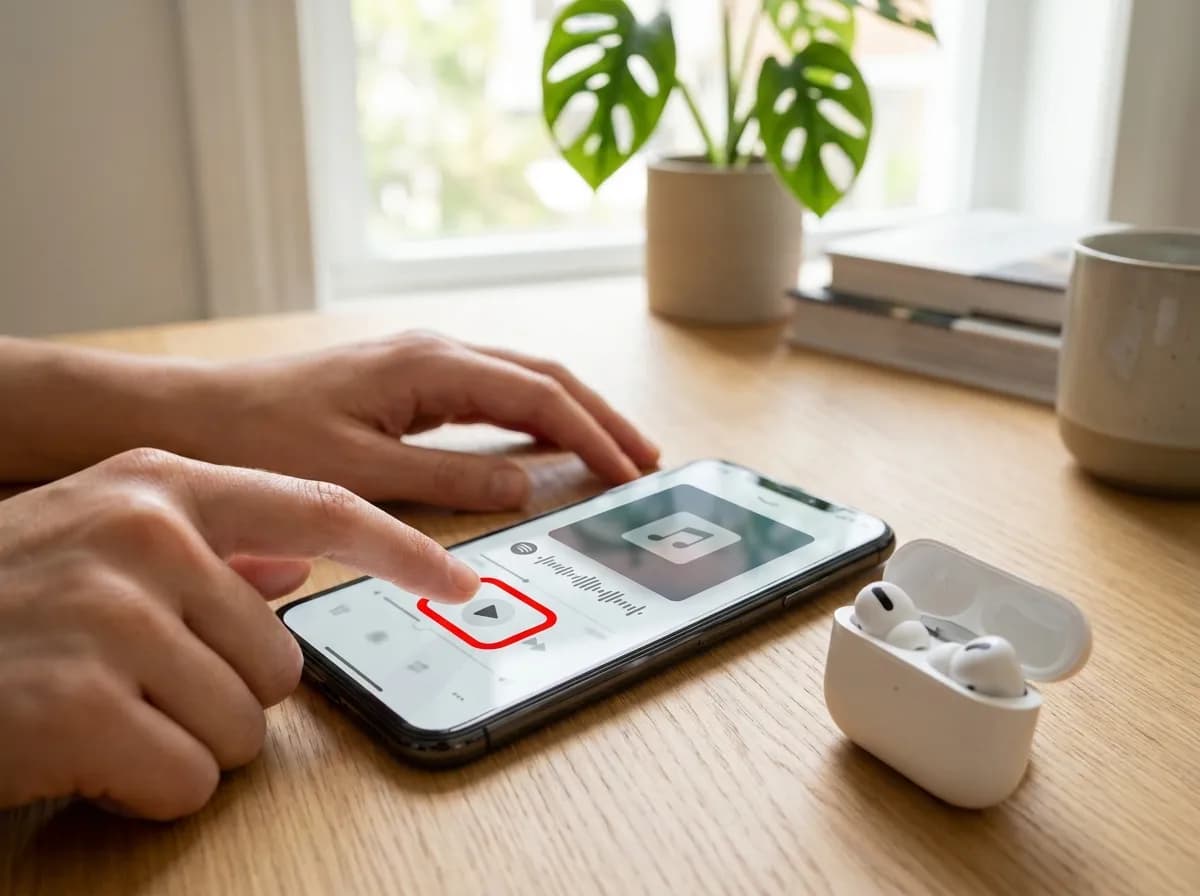 03
Pick a bitrate and save the MP3
Tap Render & download next to the bitrate you want. The sound is converted on our server and starts downloading within a few seconds; the file lands in Downloads on Android and computers, and in Files, under Downloads, on iPhone.
Good to know about Facebook MP3s
- 128 kbps keeps everything in most Facebook sound, which is usually stored below that. 320 kbps makes a larger file that sounds the same; pick it when an app or a car stereo asks for it.
- Want the sound exactly as Facebook stores it, with no conversion? The M4A in the same list downloads at once and plays on iPhone, Android and computers.
- Only public posts work: videos shared with friends, in private groups, and Stories cannot be fetched. Music in a video is licensed separately, so keep the MP3 for personal listening.
On your device
How to save a Facebook video on any device
The steps are the same everywhere. Only where the file lands is different.
iPhone and iPad
Copy the share link, paste it here, and tap a download row. Safari puts the file in the Files app under Downloads; open it there, tap Share and choose Save Video to move it into Photos.
Android
Copy the share link, paste it here, and tap a download row. Chrome saves to the Downloads folder, and the video shows up in Google Photos under the device folders within a minute.
Windows and Mac
Paste the link and click the quality you want. The file goes to your normal downloads folder. This is the easiest place to take the 1080p version, which is larger than a phone usually needs.
Why this one
Quick, private, and nothing left behind
No pop-ups between you and the file, no countdown before the link appears.
Resolved in a few seconds
Links are parsed server-side and handed back as direct media URLs, so the only thing that limits you is your own connection speed.
No account, no app install
Everything runs in the browser tab you already have open. We never ask you to sign in or hand over credentials for the source platform.
Clean files, no watermark
Where the platform exposes an unbranded rendition, that is the one we hand you first, ready to re-edit without a logo in the corner.
Every quality on offer
HD, SD and audio-only renditions are listed side by side with their file size so you can pick what fits your storage.
Built for phones first
The layout is designed for one-handed use on a phone, and works the same on tablets, laptops and desktops.
Nothing kept afterwards
Submitted links are used to answer the request and then dropped. No download history, no profile, no tracking cookies.
Related Facebook tools
- Facebook video downloader: Save public Facebook videos and Reels in HD, or render 1080p with its sound.
- Facebook Story downloader: Paste a story link and save the video as an HD MP4 before it disappears.
- Facebook private video downloader: Save videos that only play after a Facebook login, such as posts in public groups, from their link.
- Download Facebook videos on PC or Mac: HD at once or 1080p made on our server, and what to do when a player will not open the file.
Facebook to MP3 questions
How do I turn a Facebook video into an MP3?
Copy the video's link with Share, then Copy link, paste it into the box above and tap Download. The MP3 options appear first; tap Render & download next to the bitrate you want, and the file starts downloading within a few seconds.
Can I convert Facebook Reels to MP3?
Yes. Reels, Watch videos and ordinary posts all work the same way, as long as the post is public. Paste the Reel's link, including the facebook.com/share/ links the app copies, and pick an MP3 bitrate.
Which MP3 bitrate should I choose?
128 kbps is enough for almost every Facebook video, because Facebook usually stores the sound below that. 320 and 256 kbps make larger files that sound the same; choose them only if an app, a car stereo or an editor asks for a high bitrate.
Is this Facebook MP3 downloader free?
Yes, with no daily limit, no account and no paid tier. There are no pop-ups or countdowns before the file appears, and the link you paste is dropped once the MP3 has been made.
How long does the conversion take?
Usually a few seconds. The server converts the sound while it fetches it from Facebook and sends you the MP3 at the same time, so a three-minute video starts downloading almost at once; very long videos take a little longer to finish.
What is the M4A file in the list?
It is the sound exactly as Facebook stores it, with no conversion, so it downloads at once and keeps the original quality. It plays in the music apps on iPhone, Android and computers; pick an MP3 only if your player needs one.
Can I get the MP3 from a private Facebook video?
No. Only public posts can be fetched, so videos shared with friends, posts in private groups and Stories cannot be converted. If the video opens in a browser where you are not logged in to Facebook, its link will work here.